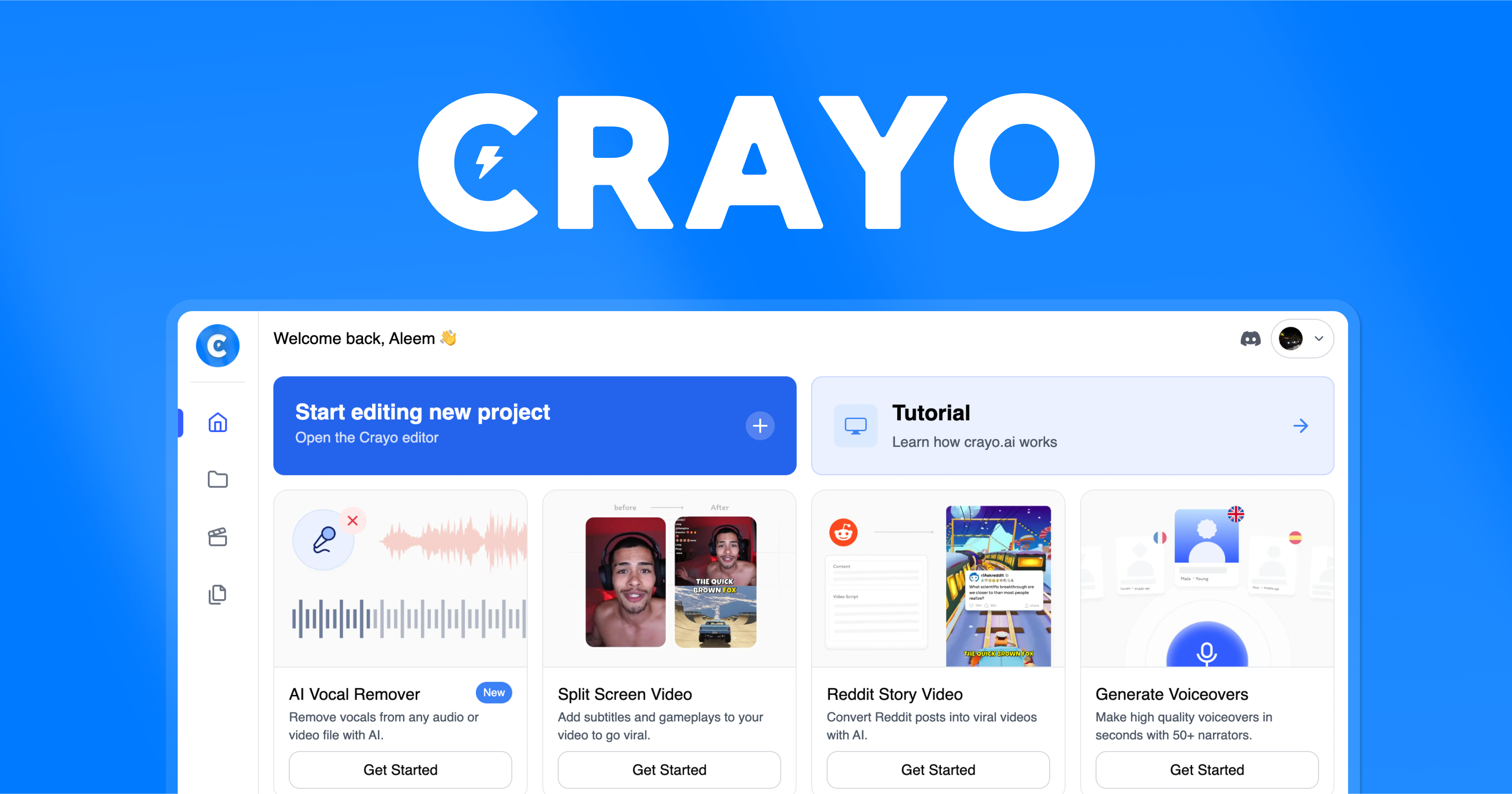
Crayo
Crayo is a web-based AI video creator that turns text prompts into short clips with automatic captions, multi-language support, and brand kits. It's designed for marketers, educators, and content crea…
Verdict
Crayo is a decent AI Video Creation tool. It suits specific needs but has trade-offs.
Who should buy: Marketers and content creators who need to rapidly produce professional short-form videos from text without video editing experience.
Who should skip: Teams requiring collaboration on a budget, users needing AI avatars or API integrations, or anyone who needs advanced editing or 4K output.
Hidden costs: Upgrading from Free to Pro ($29/mo) is necessary to remove watermarks and get unlimited exports; Business plan ($99/mo) required for team features.
Learning curve: Minimal – the text-to-video interface is straightforward, and templates guide users through the process without prior editing skills.
Pros & Cons
What's Good
- Quick text-to-video generation saves hours compared to traditional editing
- Built-in automatic captions and multi-language support improve accessibility and reach
- Brand kit feature enables consistent branding across videos without manual setup
- Stock footage and background music library reduces need for external assets
- Pro plan offers unlimited exports, making it suitable for high-volume creators
What's Not
- Free tier exports are watermarked and limited, requiring a $29/mo subscription for professional use
- No API, mobile app, or desktop client – only a web app, limiting workflow integration
- Lacks advanced features like AI avatars, screen recording, custom templates, and 4K support
- No analytics dashboard to track video performance within the tool
- Team collaboration is restricted to the $99/mo Business plan, not available on lower tiers
Capabilities
Capability details coming soon.
Who Uses It
Pricing
| Plan | Price | Includes |
|---|---|---|
| Free | Free | text_to_video · templates_count |
| Pro | $29/mo | text_to_video · video_editing · auto_captions · voiceover |
| Business | $99/mo | text_to_video · video_editing · auto_captions · voiceover |
Starts at $29/mo — free tier available for testing.
Crayo vs Alternatives
| Tool | Best For | Price | Rating | ||
|---|---|---|---|---|---|
| Crayo ← this review | General use | From $29/mo | 3.3/5 | ||
| Vid AI | Ai Video | From $49/mo | 3.3/5 | ⚖️ Compare → | |
| Veeroll | Ai Video | From $29/mo | 4.2/5 | ⚖️ Compare → | |
| Vidds Editor | Ai Video | From $25/mo | 3.8/5 | ⚖️ Compare → | |
| Wondershare Filmora | Ai Video | From $51.99/mo | 3.8/5 | ⚖️ Compare → | |
| Makereels.ai | Ai Video | From $19/mo | 4.2/5 | ⚖️ Compare → |
Common Questions
Does Crayo have a free tier?
Can I use Crayo for team collaboration?
Does Crayo support multiple languages?
Can I use my own brand assets in Crayo?
Does Crayo offer an API or mobile app?
What export formats does Crayo support?
Bottom Line
Crayo earns a 3.3/5 rating as a decent AI Video Creation tool. A viable option if budget is your primary concern. Power users may find better-featured alternatives.
Last updated: August 2026 · versusly.io · Independent review