AI Music & Audio — Comparison
🏆 Best AI Music & Audio 2026 →Showing 100 of 100 products available · pick any two to compare
Most compared AI Music & Audio

























Best Picks by Role
Best AI Music & Audio for Small Business
Budget-conscious small teams need quick, affordable tools to create branded audio for ads, social clips, and explainer videos without hiring composers. These picks offer simple templates, low-cost plans, and fast turnaround.
Best AI Music & Audio for Freelancer / Solopreneur
Solo creators need lightweight, pay-as-you-go tools to generate voiceovers, background tracks, or podcast intros without steep learning curves. These products provide instant results and flexible pricing ideal for one-off client work.
Best AI Music & Audio for Mid-Market / Growing Team
Growing teams require scalable audio production with team collaboration, API access, and consistent brand voice across many assets. These platforms offer batch processing, shared libraries, and integration with existing workflows.
Best AI Music & Audio for Agency / Service Provider
Agencies need white-label options, client-specific branding, and volume pricing to deliver custom audio at scale. These tools support multi-client management and royalty-free commercial usage for campaigns and content.
Best AI Music & Audio for Non-Profit / Education
NGOs and educators need affordable, accessible tools for making training materials, podcasts, or accessible content (e.g., text-to-speech) without licensing headaches. These picks offer free tiers or education-friendly pricing.
Frequently Asked Questions
What is AI Music & Audio software and who is it for?
AI Music & Audio tools generate, edit, or enhance audio content—ranging from AI voice cloning and text-to-speech to music composition and noise removal. They're built for content creators, podcasters, video editors, musicians, and businesses needing fast, royalty-free audio without studio equipment. In this category, 97% of tools offer a free tier, making them accessible for hobbyists and pros alike.
What key features should I look for in an AI audio tool?
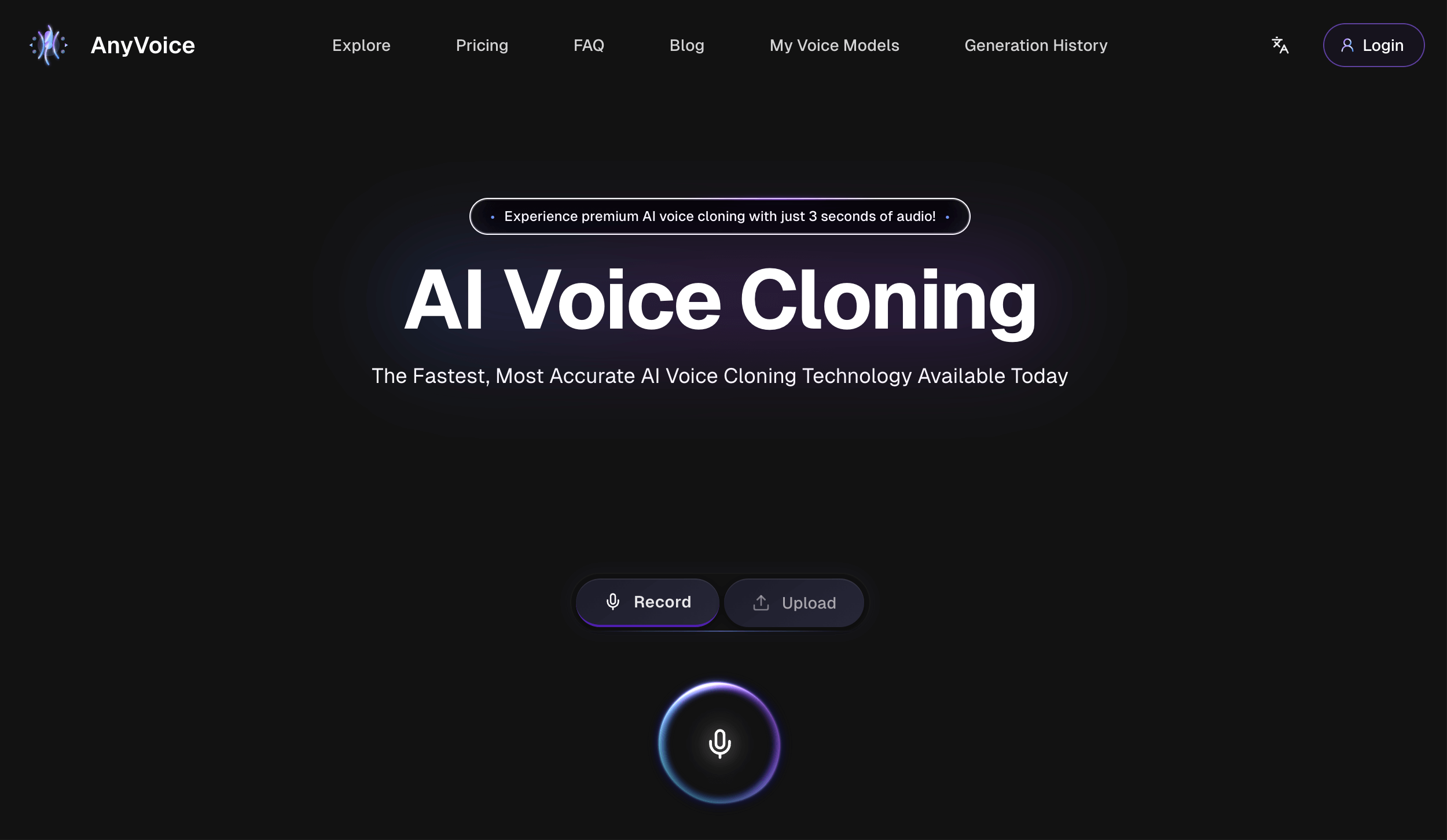
Prioritize output quality (natural-sounding voices or clean stems), format support (MP3, WAV, etc.), batch processing, and API access if you need automation. Check for editing controls like pitch/tempo adjustment, silence detection, or multi-track mixing. For voice cloning, look for voice stability and language support—top products like AnyVoice and Speaktor excel in these areas.
What's the typical pricing range and are there hidden costs?
Prices in this category range from $4.99 to $99, with an average of $19 per month. Most tools (97%) have free tiers, but they often limit export length, watermark output, or cap monthly credits. Watch for hidden costs: premium voices, commercial licenses, and API usage are frequently billed separately—always read the pricing page for per-minute or per-credit overage fees.
How do I choose the right AI Music & Audio tool for my use case?
Start by defining your output: voiceover for videos (try Article2audio or SpeechReader), music generation (Klangio), or podcast cleanup (Noiseremoval.net). Test free tiers side-by-side with a sample file, focusing on naturalness and workflow fit. If you need integration, check for Zapier or API support—tools like AudioStack are built for programmatic audio, while simpler ones like Dictaphone are best for quick recordings.
How difficult is setup and migration from traditional audio tools?
Setup is typically easy—most are web-based with drag-and-drop upload, requiring no installation. Migration is minimal since you're exporting audio files (MP3/WAV) that work in any DAW like Audacity or Adobe Audition. For voice cloning tools, expect a 10-20 minute setup to record or upload reference samples; no technical skills are needed for 90% of these products.
What are good alternatives or complementary tools to pair with AI audio?
Pair AI generation with traditional DAWs (Audacity, GarageBand) for fine-tuning, and use transcription tools like Audio2Text for captions or show notes. For video, combine with editing suites (CapCut, Premiere) that accept AI-generated audio directly. If you need human-sounding narration, tools like AuthorVoices.ai complement music generators—use one for voice, another for background scores.
What trends are shaping AI Music & Audio right now?
Real-time voice cloning and emotion-aware speech synthesis are becoming standard—tools can now mimic tone and pauses. Also, 'text-to-music' generators are improving rapidly, letting users describe a genre and get full tracks in seconds. Expect more deep integration with video editors and live streaming, plus a push toward watermarking AI audio for copyright compliance.
What's an insider tip most users don't know about AI audio tools?
For cleaner AI voice output, upload 30-60 seconds of high-quality, noise-free reference audio—even a phone recording works—but avoid background music, as it degrades cloning accuracy. Also, many tools like MeloHunt and Echo offer a 'regenerate' button that re-rolls the output; use it 3-5 times and pick the best take rather than editing the first result. This often saves hours of manual cleanup.