AI Dubbing by Captions vs Crayo
Side-by-side comparison — pricing, features, ratings, use cases. Find which AI Video Creation fits you best.
💰 Pricing
🔧 Features
📋 Assessment
💪 Strengths
- Voice preservation is exceptional. Unlike many dubbing tools that replace the original voice with a monotone synthetic one, AI Dubbing by Captions analyzes the speaker's voice characteristics—including pitch, tone, and emotional inflection—to generate a dubbed track that sounds like the original person speaking in another language. This makes the final video feel less artificial and maintains the creator's personal connection with the audience, which is crucial for content where personality drives engagement, such as vlogs, tutorials, and branded storytelling.
- The lip-sync precision is a game-changer. It doesn't just overlay audio; it uses advanced video processing to adjust the mouth movements in the original footage to match the new translated audio. This solves a major pain point in video localization, as audiences are easily distracted by mismatched audio and visuals. Whether it's a corporate training module or a YouTube explainer, the resulting video appears natural and professional, significantly improving viewer retention.
- The 28+ language support is extensive and covers a wide range of global markets, from major languages like Spanish, Mandarin, and Hindi to more region-specific ones. This breadth allows creators and businesses to expand their content strategy into multiple regions without needing separate dubbing solutions. The tool also generates subtitles when needed, which aids in accessibility and search engine optimization.
- The free pricing makes it an incredibly low-risk tool to try. There are no upfront costs or credit card requirements, so users can evaluate the dubbing quality and see if it meets their standards. This is especially beneficial for early-stage YouTube channels or small businesses with limited budgets, as they can begin globalizing their content without financial barriers.
- The user interface is straightforward and browser-based, requiring no software installation. Users simply upload a video, select the target language, and the tool processes it automatically. The simplicity makes it accessible even to those with little technical expertise, and the free tier allows for quick testing before regular use.
⚠ Watch out for
- The lack of team collaboration features is a clear limitation. For corporate teams or agencies managing multiple projects, the inability to share projects, assign roles, or approve content within the tool means workflow has to be managed externally. This adds friction for organizations where several people are involved in video production, localization, and review, potentially leading to version control issues.
- There are no integrations with popular video editors (like Premiere Pro or Final Cut) or social media platforms (like YouTube or TikTok) for direct publishing. Users must manually download the dubbed video and then upload it to their channels. This extra step increases the time from production to distribution, which can be a drawback for creators who need to maintain a rapid posting schedule.
- Export options are limited. The tool does not offer 4K resolution support and appears to have a limited set of output formats. High-end productions that require 4K or specialized codecs may find the output insufficient, forcing them to re-encode or upscale, which complicates post-production workflows.
- There is no dedicated mobile app or desktop client, meaning all processing is done through the web. This requires users to have a stable internet connection and limits the ability to work offline. For travelers or those in areas with poor connectivity, this can be a hindrance.
- The free version might have limitations on video length or usage frequency, though this isn't explicitly stated. Users with long-form content (like hour-long courses) may hit upload limits, potentially requiring a paid plan that may not exist yet, leaving them without a clear upgrade path.
🎯 Best for
Content creators, marketers, and small businesses who need to quickly and affordably dub pre-recorded videos into multiple languages.
🚫 Who should skip
Professional film studios, large enterprises needing API integration, or users who require advanced video editing features beyond dubbing.
📚 Learning curve
Minimal – the process likely involves uploading a video, selecting languages, and downloading the dubbed version.
🧑⚖️ Verdict
AI Dubbing by Captions is a must-try for individual content creators and small businesses seeking a free, high-quality dubbing solution with voice preservation and lip-sync. It falls short for teams requiring collaboration and advanced export options. If you need natural-sounding dubs without breaki
💰 Pricing
🔧 Features
📋 Assessment
💪 Strengths
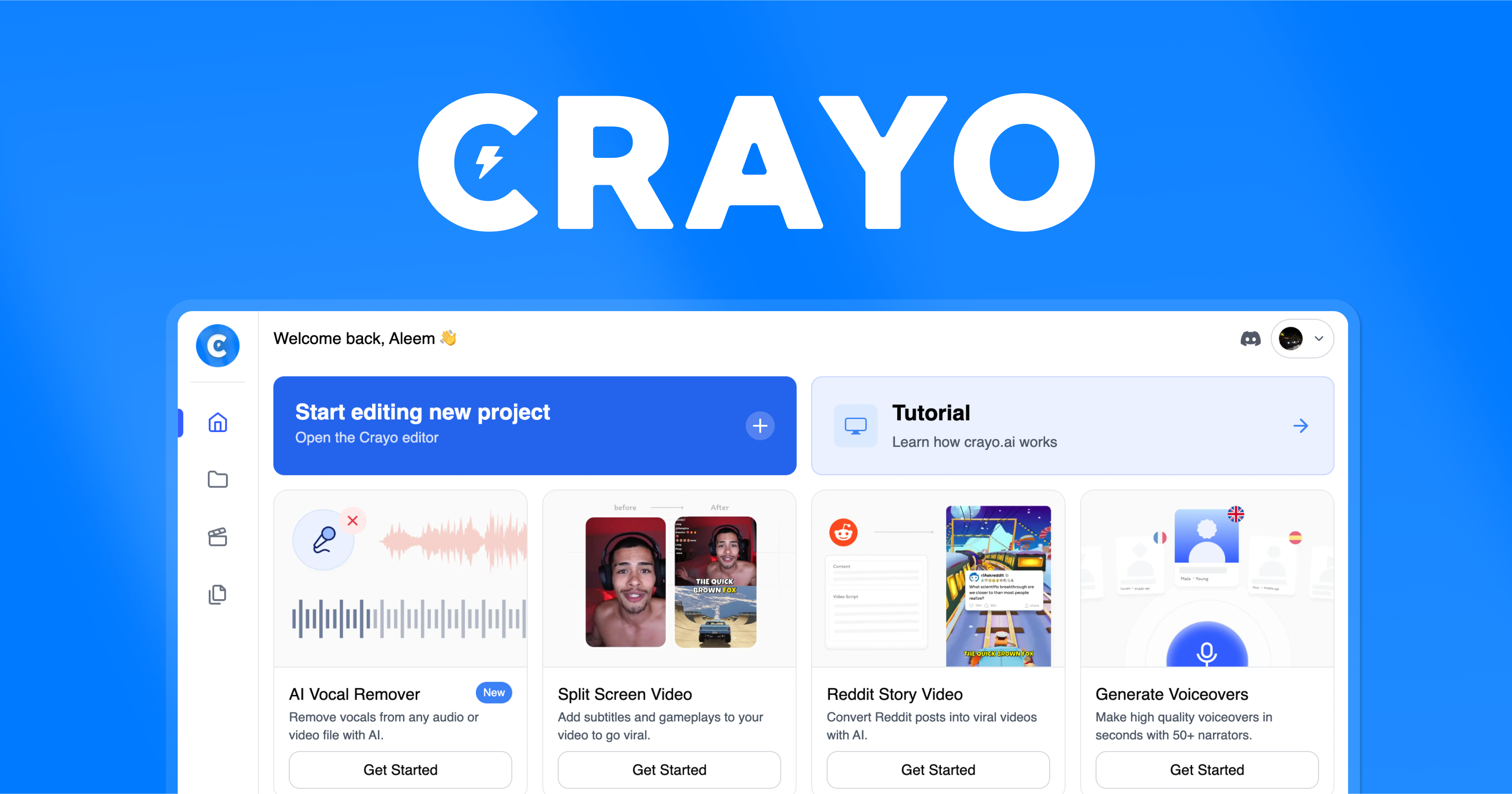
- Crayo's text-to-video generation is genuinely fast, turning prompts into complete videos in minutes. This is a significant time-saver compared to traditional editing, where you'd need to source footage, add captions, and sync audio. For busy marketers or educators producing daily content, this speed is invaluable.
- The automatic captioning is a standout feature, saving hours of manual work. It also supports multiple languages, which is a boon for creators targeting global audiences. Captions are crucial for social media, as many users watch without sound. This feature alone justifies the subscription for many creators.
- The brand kit feature allows you to upload logos, colors, and fonts, and Crayo will apply them consistently across all your videos. This is a huge advantage for maintaining a professional brand presence without manual setup for each video. It ensures that your content looks cohesive and on-brand.
- The platform is web-based, meaning it requires no installation and is accessible from any computer with an internet connection. This is convenient for teams and individuals who work across multiple devices. The user interface is intuitive, making it easy for beginners to get started quickly without a steep learning curve.
⚠ Watch out for
- The free tier is very limited: exports are watermarked, and the number of videos or duration is limited. This forces users to subscribe to the $29/mo plan to get professional-looking content. While the price is reasonable for the features, it may be a barrier for casual users or small businesses with tight budgets.
- There is no API, mobile app, or desktop client. The lack of an API means you can't integrate Crayo into automated content pipelines, which is a major drawback for tech-savvy users. The absence of a mobile app is also a disadvantage for creators who often shoot and edit on the go.
- Crayo lacks advanced features that competitors offer, such as AI avatars, screen recording, custom templates, and 4K export. This limits its appeal to professionals who need more flexibility and higher resolution output. For advanced use cases, you may need to supplement with other tools.
- The library of stock footage and music may be limited, and customization options for video elements (like transitions and effects) are not as deep as dedicated video editors. This could result in videos that look generic if you don't invest time in fine-tuning the brand kit and text prompts.
🎯 Best for
Marketers and content creators who need to rapidly produce professional short-form videos from text without video editing experience.
🚫 Who should skip
Teams requiring collaboration on a budget, users needing AI avatars or API integrations, or anyone who needs advanced editing or 4K output.
📚 Learning curve
Minimal – the text-to-video interface is straightforward, and templates guide users through the process without prior editing skills.
🧑⚖️ Verdict
Crayo is a great choice for social media marketers, educators, and content creators who need fast, easy video generation with automatic captions and branding. However, if you require advanced features like AI avatars, 4K output, or API integration, you should look elsewhere. For those who value spee
📊 Use Case Suitability
Higher score = better fit. Scores from editorial review.
🧭 Which One Should You Pick?
Choose AI Dubbing by Captions if...
- You are: Content creators, marketers, and small businesses who need to quickly and affordably dub pre-recorded videos into multip
- 👍 Preserves original voice tone, pitch, and emotions in the dubbed version.
- 👍 Achieves convincing lip-sync matching the translated audio to the video.
- 👍 Supports 28+ languages, covering a wide global audience.
- 💰 Free tier available
- ⚠ Trade-off: No team collaboration features, making it unsuitable for multi-person projects.
Choose Crayo if...
- You are: Marketers and content creators who need to rapidly produce professional short-form videos from text without video editin
- 👍 Quick text-to-video generation saves hours compared to traditional editing
- 👍 Built-in automatic captions and multi-language support improve accessibility and reach
- 👍 Brand kit feature enables consistent branding across videos without manual setup
- 💰 From $29/mo
- ⚠ Trade-off: Free tier exports are watermarked and limited, requiring a $29/mo subscription f
❓ Frequently Asked Questions
Is the Dubbing feature really free?
The website lists the tool as free, but we cannot confirm if there are any usage limits or watermarks. It's best to check the current pricing page for any potential hidden restrictions.
What languages are supported?
The tool supports 28+ languages, but the exact list is not provided. You will likely find a full list on the website or during the upload process.
Does it work with any video format?
The description implies it works with video files, but specific format support (MP4, MOV, etc.) is not mentioned. Standard formats are likely supported.
How accurate is the lip-sync?
The tool claims perfect lip-sync by using AI to match the translated audio to the original video's mouth movements. Accuracy can vary depending on the original video quality and language pair.
🔗 More AI Video Creation Comparisons
🔀 Explore Alternatives
📧 Save this comparison
We'll email you a link to this comparison. No spam.