GitHub Copilot
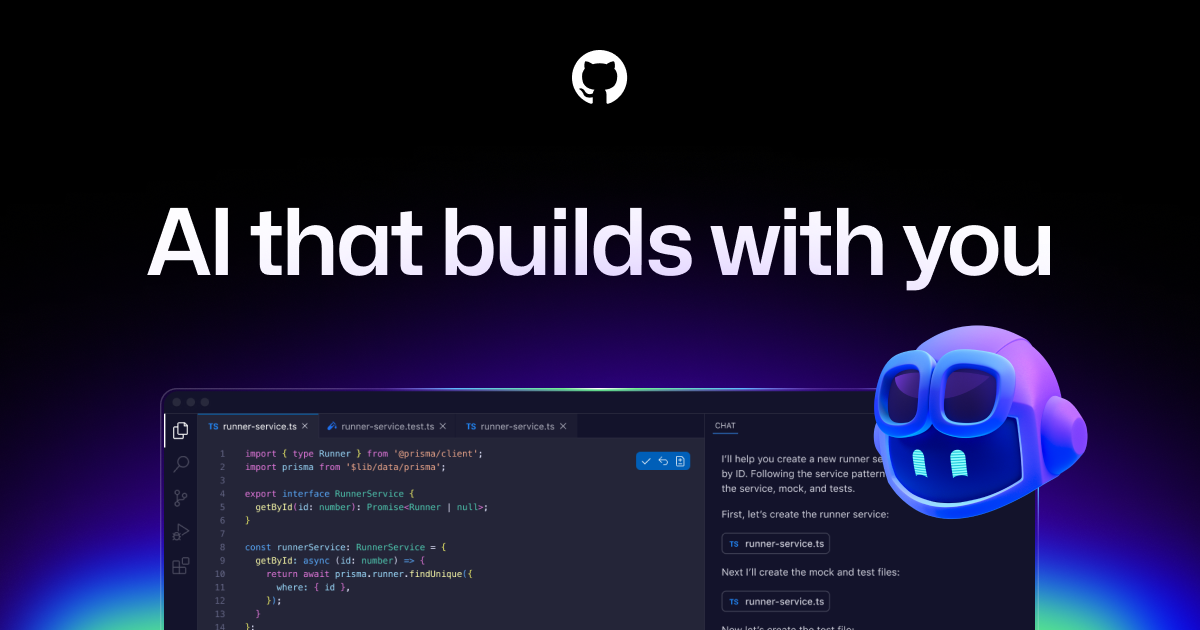
GitHub Copilot is an AI pair programmer that delivers real-time code suggestions and autocompletion powered by OpenAI Codex, supporting dozens of languages. It integrates with IDEs like VS Code and Je…
Verdict
GitHub Copilot is an excellent AI Coding tool. We recommend it for most use cases.
Who should buy: Individual developers or small teams who want to speed up everyday coding tasks and reduce keystrokes without switching context.
Who should skip: Professional developers who need comprehensive AI-assisted refactoring, automated testing, or secure code generation with enterprise compliance requirements.
Hidden costs: To get unlimited suggestions and team management features, you need the Pro ($10/mo) or Business ($19/user/mo) plan. The free tier is significantly rate-limited.
Learning curve: Minimal — it works like an autocomplete plugin; developers familiar with IDEs can start using it immediately with no training.
Pros & Cons
What's Good
- Real-time, context-aware code completion directly in the editor, reducing boilerplate and typos.
- Supports dozens of languages and integrates with major IDEs like VS Code and JetBrains.
- Free tier available with limited suggestions, making it accessible for personal projects.
- Natural language to code feature allows you to describe functionality in comments and get working code snippets.
What's Not
- Free tier has a monthly suggestion limit; unlimited usage requires a paid Pro subscription.
- May generate insecure or incorrect code that requires careful review and testing.
- No built-in support for refactoring, test generation, or code documentation.
- Requires constant internet connection; does not work offline.
- Context window is limited (about 400 lines) – can lose track of larger project patterns.
Capabilities
Capability details coming soon.
Who Uses It
Pricing
| Plan | Price | Includes |
|---|---|---|
| Free | Free | code_completion · natural_language_to_code |
| Pro | $10/mo | code_completion · natural_language_to_code |
| Business | $19/mo | code_completion · natural_language_to_code |
Starts at $10/mo — free tier available for testing.
GitHub Copilot vs Alternatives
| Tool | Best For | Price | Rating | ||
|---|---|---|---|---|---|
| GitHub Copilot ← this review | General use | From $10/mo | 4.5/5 | ||
| Cursor | AI Coding Tools | From $20/mo | 4.5/5 | ⚖️ Compare → | |
| CodeStory | AI Coding Tools | From $30/mo | 3.3/5 | ⚖️ Compare → | |
| MarsCode | AI Coding Tools | From $20/mo | 3.3/5 | ⚖️ Compare → | |
| AutoCodeWizard | AI Coding Tools | From $15/mo | 3.8/5 | ⚖️ Compare → | |
| Theia IDE | AI Coding Tools | Free / Freemium | 3.8/5 | ⚖️ Compare → |
Common Questions
What programming languages does GitHub Copilot support?
Is GitHub Copilot free to use?
Which IDEs does GitHub Copilot integrate with?
Can GitHub Copilot work offline?
How does GitHub Copilot handle code privacy?
Does GitHub Copilot suggest insecure or buggy code?
What is the main difference between GitHub Copilot and ChatGPT for coding?
Bottom Line
GitHub Copilot earns a 4.5/5 rating as an excellent AI Coding tool. Strong features, competitive pricing, and reliable performance make it easy to recommend.
Last updated: August 2026 · versusly.io · Independent review