InvokeAI
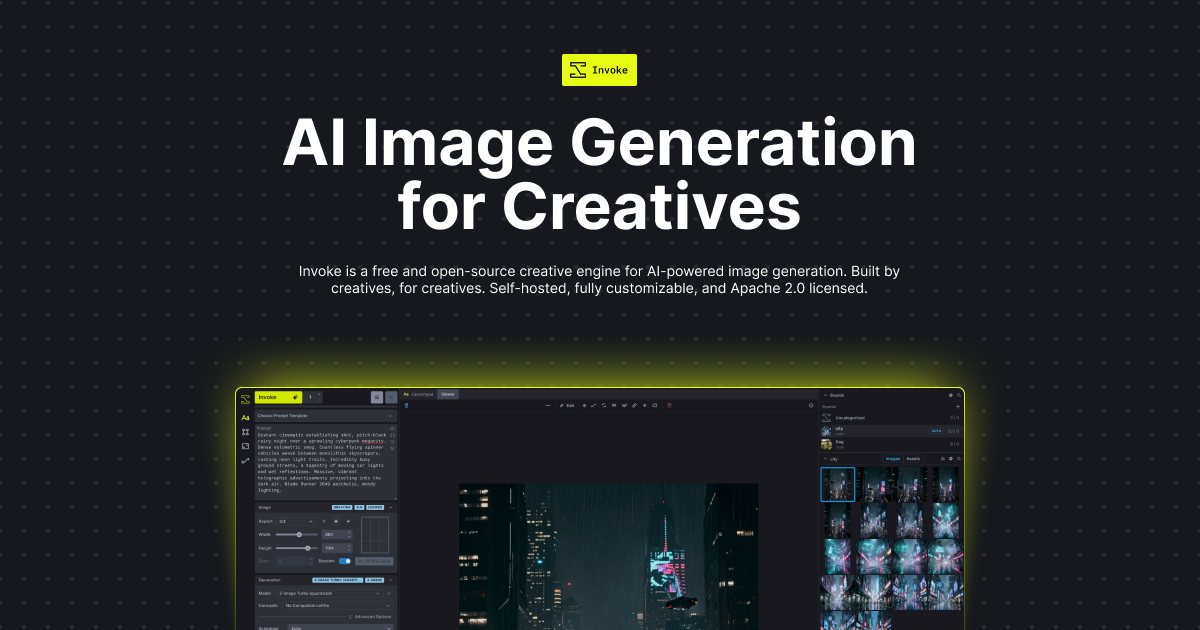
InvokeAI is a free, open-source creative engine for AI-powered image generation and editing, running entirely offline on your own hardware. It offers a node-based canvas, advanced inpainting/outpainti…
Verdict
InvokeAI is a decent AI Image Generation tool. It suits specific needs but has trade-offs.
Who should buy: Artists, designers, and AI enthusiasts who want full control over Stable Diffusion generation locally, value privacy, and are comfortable with a moderately technical setup.
Who should skip: Users who prefer a simple, web-based image generator with no installation required, or those without a dedicated GPU capable of running Stable Diffusion models.
Hidden costs: No monetary costs, but requires a powerful GPU and sufficient system resources (RAM, storage). Running large models continuously may increase electricity usage. There is no free cloud service; all generation is self-hosted.
Learning curve: Steep — while basic text-to-image is straightforward, mastering the node-based interface, advanced features like ControlNet, and model management takes significant time and experimentation.
Pros & Cons
What's Good
- Completely free and open-source with no usage caps or watermarks.
- Runs entirely offline on your own hardware, ensuring full privacy and data security.
- Extensive feature set including a node-based canvas, ControlNet, LoRA, inpainting, outpainting, and upscaling.
- Supports custom models and fine-tuning, allowing users to tailor outputs to specific styles or subjects.
- Active community and frequent updates with new features and bug fixes.
What's Not
- Requires a powerful GPU (NVIDIA recommended) and technical setup; not suitable for low-end or integrated graphics.
- Steep learning curve, especially for the node-based canvas interface; beginners may find it overwhelming.
- No cloud hosting, mobile app, or API; cannot be used directly from a browser or integrated into web services.
- Lacks team collaboration features like shared projects, version history, or user roles.
Capabilities
Capability details coming soon.
Who Uses It
Pricing
| Plan | Price | Includes |
|---|---|---|
| Free | Free | text_to_image · image_to_image · inpainting · outpainting |
Starts at $Infinity/mo — free tier available for testing.
InvokeAI vs Alternatives
| Tool | Best For | Price | Rating | ||
|---|---|---|---|---|---|
| InvokeAI ← this review | General use | From $Infinity/mo | 3.3/5 | ||
| PixZap | AI Image Generation | From $15/mo | 4.2/5 | ⚖️ Compare → | |
| Dresma | AI Image Generation | From $29/mo | 4.2/5 | ⚖️ Compare → | |
| LimeWire | AI Image Generation | From $30/mo | 4.2/5 | ⚖️ Compare → | |
| BestPhotoAI | AI Image Generation | From $10/mo | 3.8/5 | ⚖️ Compare → | |
| ArtifyMaster | AI Image Generation | From $10/mo | 3.3/5 | ⚖️ Compare → |
Common Questions
Is InvokeAI completely free? Are there any hidden costs?
Do I need a powerful computer to run InvokeAI?
Can I use InvokeAI for commercial projects?
Does InvokeAI have a cloud version or API?
What models and extensions does InvokeAI support?
Can I collaborate with a team using InvokeAI?
Bottom Line
InvokeAI earns a 3.3/5 rating as a decent AI Image Generation tool. A viable option if budget is your primary concern. Power users may find better-featured alternatives.
Last updated: August 2026 · versusly.io · Independent review