Budgeting Apps — Comparison
19 services compared · Sorted by score · Pick any two to compare
Most compared Budgeting Apps
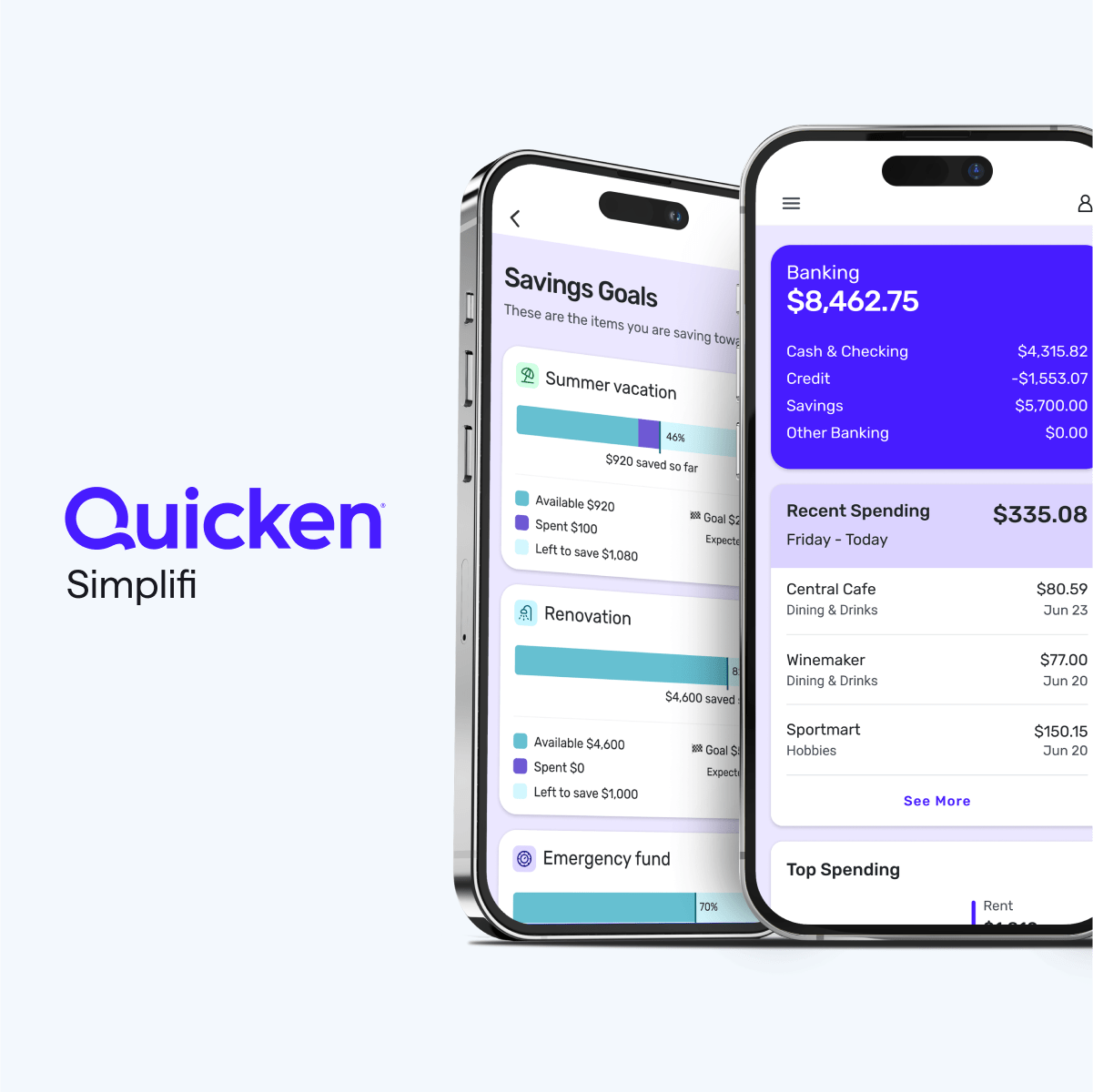




Individuals or couples who want a low-effort, flexible way to track spending, mo
Individuals who want a no-frills, fast, and visual expense tracker on their phon
UK residents who want a low-effort, automated way to save spare cash and invest
UK-based individuals who want a user-friendly app to track subscriptions, get ca
Privacy-conscious budgeters who want a one-time purchase, multi-currency support
Budget-conscious individuals and families in Europe, especially those with multi
.png)
YNAB is ideal for individuals or couples who are committed to hands-on, proactiv
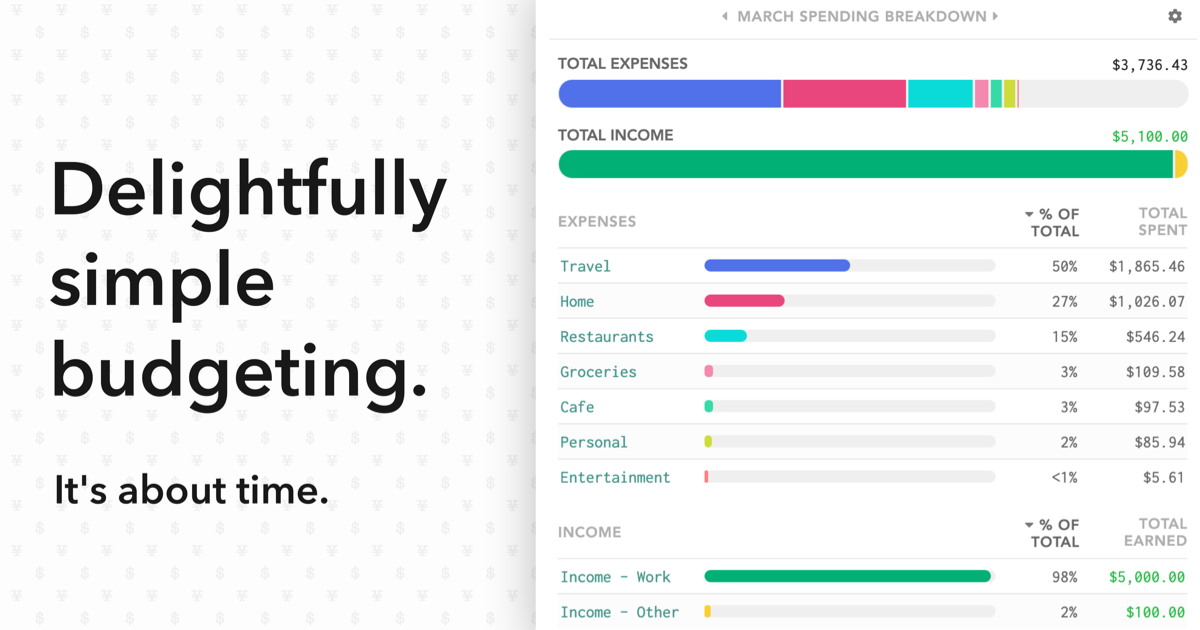
Tech-savvy budgeters who want deep control, automation through rules, multi-curr
Individuals who want to see a long-term cash flow calendar and 30-year net worth
Buxfer is best for individuals and small groups (like roommates, couples, or tra

Apple ecosystem users who want a premium, automated budgeting app with smart cat
Dave Ramsey followers in the US who want a simple, zero-based budgeting and debt

Couples and households that want a simple, hands-on digital version of the class

UK residents who want a free, automatic way to uncover bill savings, track subsc
Spendee is best for individuals, couples, and families who want a beautifully designed budgeting app with reliable bank sync and shared wallet collabo…
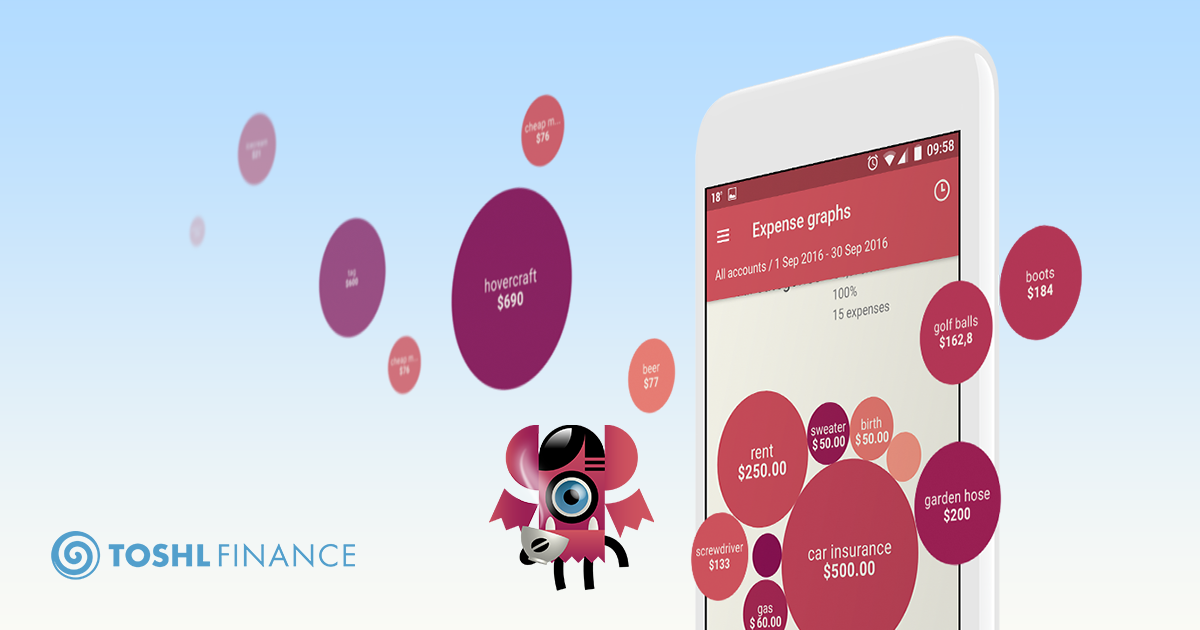
People who want a lighthearted, easy-to-use expense tracker with optional multi-
Privacy-conscious individuals who are comfortable with self-hosting and want a p

Couples who want a free, straightforward mobile app to merge their finances, tra
UK-based individuals who want a free, open banking-powered budgeting app with au
Frequently Asked Questions
Is Spendee really free?
Spendee has a free version that covers basic expense tracking, cash wallets, and manual entry. However, to unlock bank sync, shared wallets with more than a couple of members, multiple budgets, and advanced features, you need a Premium or Plus subscription.
Does Spendee support bank sync in my country?
Spendee supports bank sync in over 125 countries, but coverage is not universal and depends on your bank. The free tier does not include bank sync; you'll need a Premium plan.
Can I share a wallet with my partner?
Yes, Spendee allows you to create shared wallets for couples, families, or even roommates. Each member can track expenses together, but the number of shared wallets and members may be limited on the free plan.
What are the differences between free, Plus, and Premium plans?
The free plan includes basic expense tracking and a single wallet. Plus adds shared wallets and multi-device sync. Premium adds bank account sync, multi-currency support with real exchange rates, and more detailed budget features. Prices start around $2.99/month billed annually.
Can I access Spendee on my laptop or desktop?
Spendee offers a web app, but it is limited to viewing and basic editing. The mobile apps are the primary experience and include full functionality. Some features, like bank connection setup, are only available in the mobile app.
How does multi-currency support work in Spendee?
Spendee lets you record transactions in different currencies and automatically converts them using real exchange rates when you link a bank account. For manual entries, the app uses your chosen base currency, but you can create wallets in multiple currencies on the Premium plan.