Best InvokeAI Alternatives in 2026
8 alternatives to InvokeAI in AI Image Generation, ranked by our editorial score. Compare pricing, free tiers, and best-fit guidance side by side.
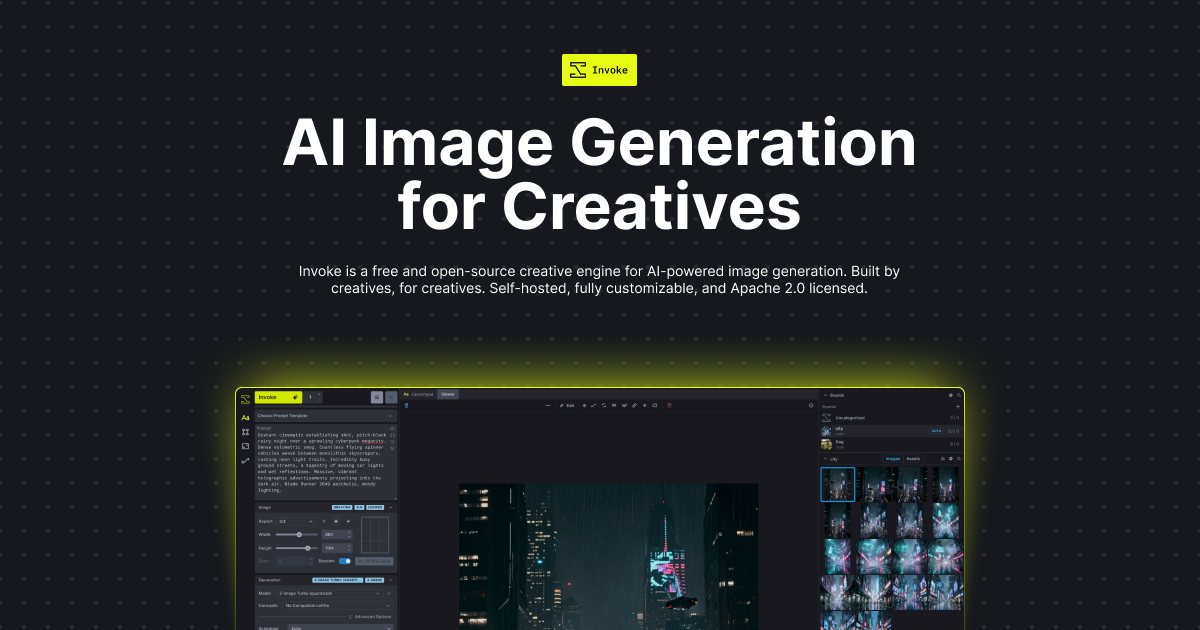
Top AI Image Generation Alternatives
| Tool | Score | Starting Price | Free Tier | Best For | |
|---|---|---|---|---|---|
| PhotoGrid AI Image Enhancer | 76 | Free | ✓ | Casual users who want a quick, easy way to enhance personal photos on mobile or | Compare vs InvokeAI → |
| LimeWire | 75 | Free | ✓ | Individual creators, small businesses, and NFT artists looking for an all-in-one | Compare vs InvokeAI → |
| SnapID | 73 | Free | ✓ | Professionals, freelancers, and job seekers who need a quick, affordable, and po | Compare vs InvokeAI → |
| Pica AI | 73 | Free | ✓ | Casual creators, social media managers, and small business owners who need a sim | Compare vs InvokeAI → |
| PixZap | 72 | Free | ✓ | Individual creators, social media managers, and small business owners who need a | Compare vs InvokeAI → |
| Dresma | 71 | $29/mo | E-commerce businesses and marketers who need a focused tool to generate product | Compare vs InvokeAI → | |
| Saifs | 71 | Free | ✓ | Freelancers, small e-commerce sellers, and social media managers who need a quic | Compare vs InvokeAI → |
| Wand | 69 | Free | ✓ | Artists, designers, and hobbyists who want to quickly transform hand-drawn sketc | Compare vs InvokeAI → |
Which Alternative Should You Choose?

Best for: Casual users who want a quick, easy way to enhance personal photos on mobile or
⚖️ InvokeAI vs PhotoGrid AI Image Enhancer →
Best for: Individual creators, small businesses, and NFT artists looking for an all-in-one
⚖️ InvokeAI vs LimeWire →Best for: Professionals, freelancers, and job seekers who need a quick, affordable, and po
⚖️ InvokeAI vs SnapID →Best for: Casual creators, social media managers, and small business owners who need a sim
⚖️ InvokeAI vs Pica AI →❓ Frequently Asked Questions
Is InvokeAI completely free? Are there any hidden costs?
Yes, InvokeAI is completely free and open-source. There are no subscription fees or usage limits. The only requirement is your own computer hardware, which must have a compatible GPU with sufficient VRAM (typically 4GB or more) to run Stable Diffusion models efficiently.
Do I need a powerful computer to run InvokeAI?
Yes, InvokeAI runs locally on your machine and requires a modern GPU with at least 4GB of VRAM (8GB+ recommended for high-resolution generation and advanced features like ControlNet). A computer with a dedicated graphics card is essential for acceptable performance.
Can I use InvokeAI for commercial projects?
Yes, InvokeAI is released under an open-source license that permits commercial use. You can generate images for your business, products, or client work without additional licensing fees. However, be aware of the individual Stable Diffusion model licenses you choose to use.
Does InvokeAI have a cloud version or API?
No, InvokeAI does not offer a cloud-hosted version or an API. It is designed as a self-hosted desktop application. You run it on your own computer or server. For cloud-based generation, you would need to look at alternatives like DreamStudio or Leonardo.ai.