AI Voice Cloning - AnyVoice vs SpeechReader
Side-by-side comparison — pricing, features, ratings, use cases. Find which AI Music & Audio fits you best.
💰 Pricing
🔧 Features
📋 Assessment
💪 Strengths
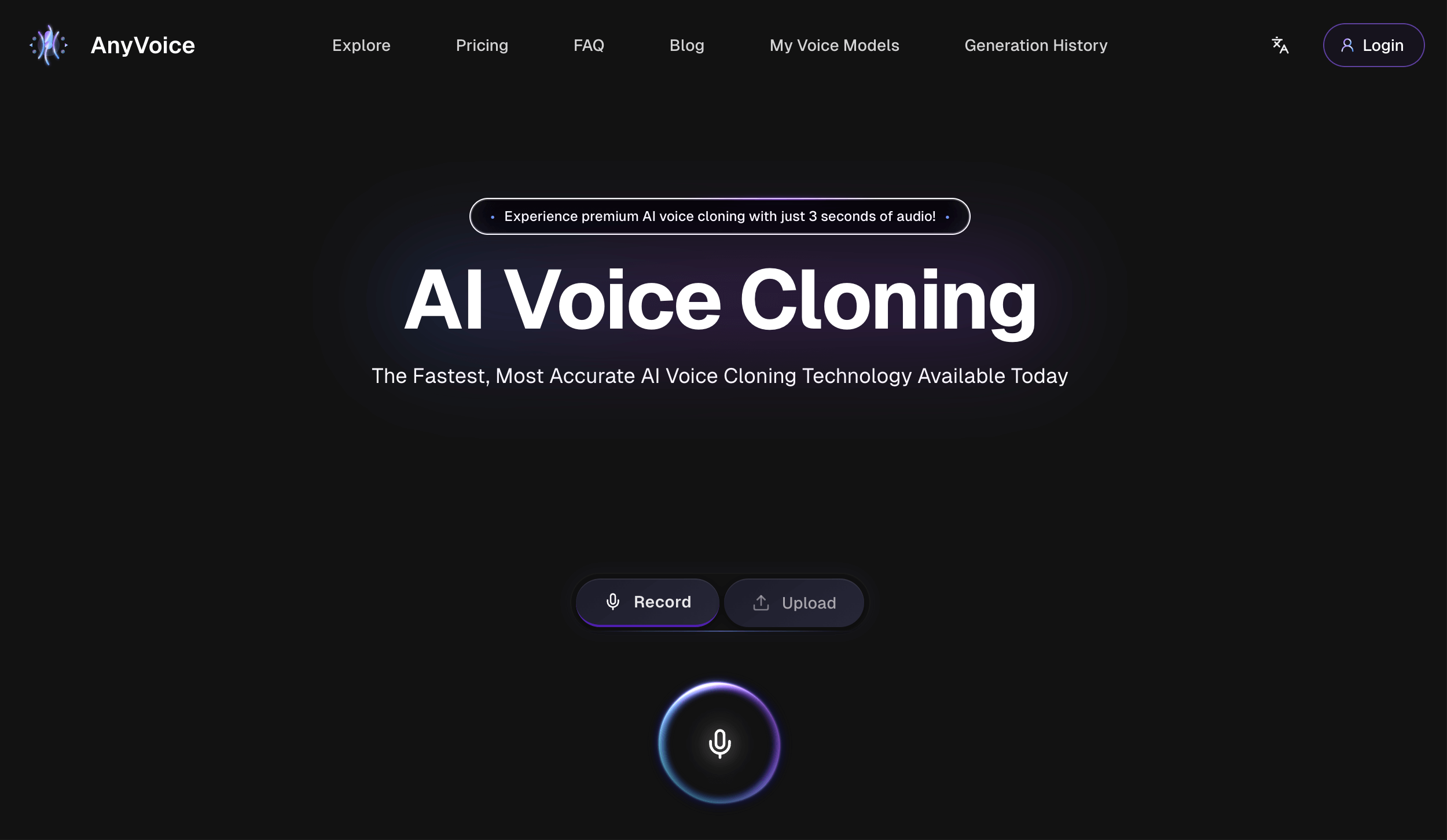
- AnyVoice excels at voice cloning with minimal input. Users can create a convincing clone from just a few minutes of clean audio, which is faster and less resource-intensive than many competitors that require longer recordings. This makes it ideal for quick turnarounds on projects like YouTube voiceovers or podcast intros.
- The platform supports multiple languages, enabling creators to generate voice content for global audiences without needing a native speaker. This is particularly useful for e-learning modules, multilingual audiobooks, and localized marketing materials. The quality of non-English voices is generally good, though not flawless.
- API access on the Enterprise plan allows developers to embed voice synthesis into their own applications, such as chatbots or voice assistants. This is a critical feature for tech teams looking to automate voice responses in customer service or interactive experiences.
- AnyVoice offers granular voice editing tools, letting users fine-tune pitch, speed, and emphasis on specific words or phrases. This level of control helps achieve a more natural delivery, which is often the difference between a synthetic-sounding voice and one that feels human.
- The pricing is competitive, with plans starting at $29/month, and there's a free tier to test the waters (though limited). For sole creators or small businesses, this is an affordable entry point into AI voice generation.
⚠ Watch out for
- The free tier is extremely restrictive: users get a few samples, output is watermarked, and commercial use is prohibited. This makes it nearly useless for anyone needing professional, unmarked audio. Most users will need to upgrade immediately, which is disappointing.
- No collaboration features. There's no way to share workspaces or invite team members to work on the same project. This is a major drawback for agencies or in-house content teams that need to collaborate on voiceovers. Competitors like Descript offer collaborative timelines.
- Lacks GDPR and SOC2 compliance, which is alarming for businesses subject to data protection regulations. This means using AnyVoice for anything involving personal data, such as customer-facing voice assistants, could put companies at legal risk. Enterprises should verify if AnyVoice can meet their compliance standards before purchasing.
- The voice quality, while realistic, sometimes struggles with emotional nuance and complex sentences. It can sound flat in long narrations, and accents or unusual pronunciations may be handled poorly. Some competitors offer more expressive voices.
- Customer support is limited to email, with no live chat or phone support on lower tiers. Response times can be slow, which is frustrating when issues arise during time-sensitive projects. There is a knowledge base, but it's sparse.
🎯 Best for
Individual content creators, developers, and small businesses needing straightforward voice cloning for personal projects or commercial use without complex collaboration requirements.
🚫 Who should skip
Enterprise teams requiring compliance certifications (GDPR/SOC2), built-in collaboration, or extensive integrations with existing tools like video editors or CMS platforms.
📚 Learning curve
Minimal – the interface is intuitive, and basic cloning can be done in a few clicks. Advanced features like voice editing or API integration require some learning but are well-documented.
🧑⚖️ Verdict
AnyVoice AI Voice Cloning is a solid choice for solo content creators and developers who need quick, multilingual voice synthesis without a steep learning curve. However, if you require team collaboration or enterprise-grade compliance (GDPR/SOC2), look elsewhere. Bottom line: a capable tool for ind
💰 Pricing
🔧 Features
📋 Assessment
💪 Strengths
- The $10/month Pro plan is a standout value, offering unlimited character conversion and API access. Compare this to Speechify’s premium at $139/year, and SpeechReader’s pricing is remarkably low. This makes it an attractive option for heavy users, content creators, or those building TTS into their own applications.
- With over 100 languages and multiple voice options per language, SpeechReader is exceptionally versatile for non-English speakers and language learners. The AI voices are designed to sound natural, and you can adjust the reading speed to match your listening comprehension, making it a practical tool for fluency practice and pronunciation modeling.
- The ability to download audio files as MP3 or WAV means you can listen offline without data usage. This is particularly useful for commuters, travelers, or students in areas with unreliable internet. The downloads can be saved directly from the web app, and the browser extension supports one-click conversion of online articles.
- The browser extension is a genuine productivity booster. It integrates seamlessly with Chrome and Firefox, allowing you to convert any web page into spoken audio without copy-pasting. For researchers who work with numerous online sources, this feature saves significant time and reduces friction in the listening workflow.
- Beyond simple text input, SpeechReader supports optical character recognition (OCR) for scanned PDFs and images. This means you can extract text from physical documents or image-based files and have them read aloud — a function that many competing tools reserve for higher-tier plans.
⚠ Watch out for
- The absence of a dedicated mobile app is a major drawback. In a world where users expect mobility, SpeechReader forces you to rely on a mobile browser, which is clunky for prolonged listening. You cannot easily save articles for later offline playback, and the interface is not optimized for touch gestures, detracting from the overall user experience.
- The free tier’s 1,500-character limit is extremely restrictive, allowing only a few paragraphs of conversion. This is insufficient for testing the service on real-world content like news articles or textbook chapters. To evaluate its usefulness, you’ll almost certainly need to upgrade to the Pro plan, which might deter budget-conscious users initially.
- SpeechReader lacks any team collaboration features. There are no shared libraries, role-based permissions, or analytics dashboards, making it unsuitable for business teams or educational institutions that need to manage multiple users. If you’re looking for a TTS solution for an entire organization, you’ll need to look elsewhere.
- Voice quality, while better than older TTS systems, does not match the cutting-edge neural voices of competitors like Speechify or Murf. Some language options sound noticeably more robotic, and the customization of voice tone or emotion is not available. For professional narration or high-end content production, this could be a dealbreaker.
🎯 Best for
Individual users, students, or professionals who need a simple, affordable tool to convert text from web pages and documents into spoken audio for personal listening or accessibility.
🚫 Who should skip
Teams requiring collaborative features, mobile app users, or those needing advanced audio production capabilities (like voice cloning or studio-quality output).
📚 Learning curve
Minimal — the interface is straightforward, and the browser extension works with one click; no configuration needed.
🧑⚖️ Verdict
SpeechReader is a budget-friendly TTS solution that excels for individual users, particularly those on a tight budget, language learners, and researchers who need offline listening and OCR capabilities. However, its lack of a mobile app, limited free tier, and absence of team features make it less s
📊 Use Case Suitability
Higher score = better fit. Scores from editorial review.
🧭 Which One Should You Pick?
Choose AI Voice Cloning - AnyVoice if...
- You are: Individual content creators, developers, and small businesses needing straightforward voice cloning for personal project
- 👍 Realistic voice cloning with minimal sample requirements (a few minutes of clean audio).
- 👍 Supports multiple languages, enabling cross-border content creation.
- 👍 Offers API access on the Enterprise plan for developers to integrate voice synthesis into apps.
- 💰 From $29/mo
- ⚠ Trade-off: Free tier is heavily limited (few samples, likely watermarked, no commercial use
Choose SpeechReader if...
- You are: Individual users, students, or professionals who need a simple, affordable tool to convert text from web pages and docum
- 👍 Affordable Pro plan at $10/month with unlimited characters and API access.
- 👍 Supports over 100 languages, making it versatile for global users.
- 👍 Works offline by downloading audio files, reducing data usage.
- 💰 From $10/mo
- ⚠ Trade-off: No mobile app limits use on phones and tablets without browser extension support
❓ Frequently Asked Questions
How does the voice cloning process work?
You provide a sample of the target voice (typically a few minutes of clean audio). The AI model analyzes the speech patterns, tone, and cadence, then generates a synthetic voice that can read any text input. The process is quick and requires no technical expertise.
What are the limitations of the free tier?
The free tier includes basic cloning but with limited samples (likely a cap on minutes or number of voices). It may also add watermarks or restrict commercial use. For unlimited cloning and commercial rights, you need the Pro plan at $29/month.
Can I use cloned voices for commercial projects?
Yes, but only if you subscribe to the Pro plan ($29/month) or higher. The free tier does not grant commercial rights. The Enterprise plan ($99/month) adds API access and custom voices for larger-scale commercial use.
Which languages does AnyVoice support?
The tool supports multiple languages, though the exact list isn't specified. Based on its description and general voice cloning capabilities, common languages like English, Spanish, French, German, Chinese, and others are likely available. You should check the website for the full language roster.
🔗 More AI Music & Audio Comparisons
🔀 Explore Alternatives
📧 Save this comparison
We'll email you a link to this comparison. No spam.