Crayo vs Overlap - AI that clips, edits, and posts
Side-by-side comparison — pricing, features, ratings, use cases. Find which Ai Video fits you best.
💰 Pricing
🔧 Features
📋 Assessment
💪 Strengths
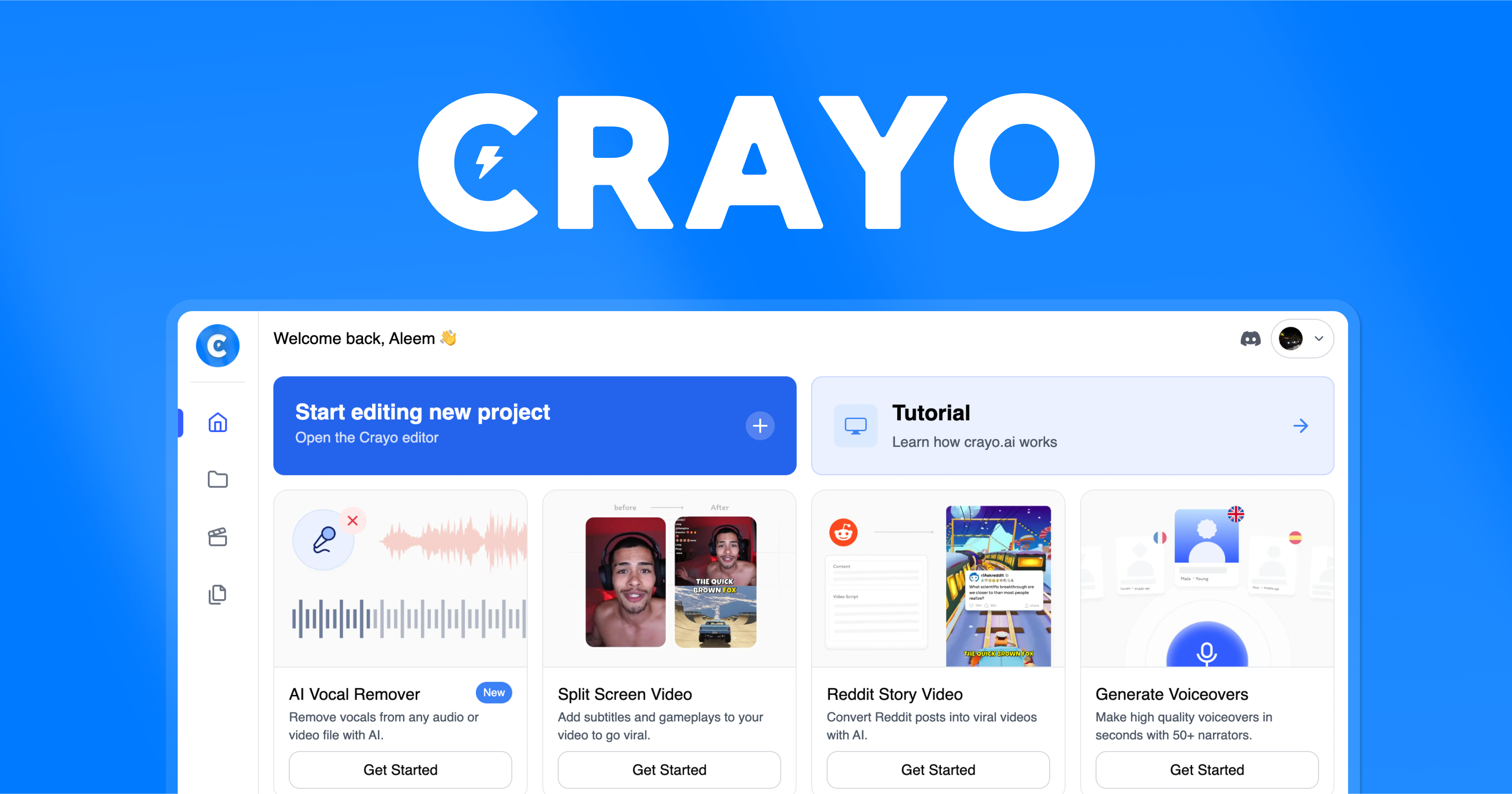
- Crayo's text-to-video generation is genuinely fast, turning prompts into complete videos in minutes. This is a significant time-saver compared to traditional editing, where you'd need to source footage, add captions, and sync audio. For busy marketers or educators producing daily content, this speed is invaluable.
- The automatic captioning is a standout feature, saving hours of manual work. It also supports multiple languages, which is a boon for creators targeting global audiences. Captions are crucial for social media, as many users watch without sound. This feature alone justifies the subscription for many creators.
- The brand kit feature allows you to upload logos, colors, and fonts, and Crayo will apply them consistently across all your videos. This is a huge advantage for maintaining a professional brand presence without manual setup for each video. It ensures that your content looks cohesive and on-brand.
- The platform is web-based, meaning it requires no installation and is accessible from any computer with an internet connection. This is convenient for teams and individuals who work across multiple devices. The user interface is intuitive, making it easy for beginners to get started quickly without a steep learning curve.
⚠ Watch out for
- The free tier is very limited: exports are watermarked, and the number of videos or duration is limited. This forces users to subscribe to the $29/mo plan to get professional-looking content. While the price is reasonable for the features, it may be a barrier for casual users or small businesses with tight budgets.
- There is no API, mobile app, or desktop client. The lack of an API means you can't integrate Crayo into automated content pipelines, which is a major drawback for tech-savvy users. The absence of a mobile app is also a disadvantage for creators who often shoot and edit on the go.
- Crayo lacks advanced features that competitors offer, such as AI avatars, screen recording, custom templates, and 4K export. This limits its appeal to professionals who need more flexibility and higher resolution output. For advanced use cases, you may need to supplement with other tools.
- The library of stock footage and music may be limited, and customization options for video elements (like transitions and effects) are not as deep as dedicated video editors. This could result in videos that look generic if you don't invest time in fine-tuning the brand kit and text prompts.
🎯 Best for
Marketers and content creators who need to rapidly produce professional short-form videos from text without video editing experience.
🚫 Who should skip
Teams requiring collaboration on a budget, users needing AI avatars or API integrations, or anyone who needs advanced editing or 4K output.
📚 Learning curve
Minimal – the text-to-video interface is straightforward, and templates guide users through the process without prior editing skills.
🧑⚖️ Verdict
Crayo is a great choice for social media marketers, educators, and content creators who need fast, easy video generation with automatic captions and branding. However, if you require advanced features like AI avatars, 4K output, or API integration, you should look elsewhere. For those who value spee

💰 Pricing
🔧 Features
📋 Assessment
💪 Strengths
- Automated clipping: Overlap.ai analyzes long videos and automatically identifies the most engaging segments, creating short clips for social media. This is a significant time-saver for creators who need multiple clips from a single episode or stream, eliminating hours of manual scrubbing and cutting.
- AI-driven auto-captions: The tool adds accurate, styled captions to your clips automatically. Captions are crucial for accessibility and engagement on social feeds where many watch with sound off. Overlap's captions are highly customizable and burn directly into the video, so you don't need a separate captioning tool.
- Direct publishing to multiple platforms: Overlap lets you connect your social media accounts (like TikTok, Instagram, YouTube, and X) and publish directly from the platform. This removes the friction of downloading clips and re-uploading them to each network, making batch posting much more efficient.
- Clean and intuitive interface: The platform is designed for speed. Its simple, uncluttered UI makes it easy to navigate, even for creators with minimal editing experience. The progress from upload to published post is streamlined, with prompts and guidance along the way.
⚠ Watch out for
- No free tier or trial: Overlap requires a paid subscription upfront, which is a barrier for users who want to evaluate the tool before committing. Even competitor tools often offer a freemium model or a trial period. For a tool that some may find limiting, this lack of a trial is a noticeable drawback.
- Limited editing capabilities: Overlap focuses on clipping, captions, and export. It lacks advanced features like multi-track editing, voiceovers, transitions, and effects. Creators who need these will have to use a second tool, breaking the seamless workflow.
- No mobile app or browser extension: All editing is done on the web, and there's no mobile app for on-the-go adjustments or quick posting from your phone. Similarly, a browser extension that could streamline importing footage isn't available, which hampers flexibility.
- No collaboration or team features: The platform is designed for individual creators. If you work as part of a team, you'll miss shared workspaces, comment threads, and approval workflows. This limits its appeal to larger content operations.
🎯 Best for
Social media managers, solopreneurs, and content creators who need a fast, simple tool to clip, caption, and post short videos to multiple platforms.
🚫 Who should skip
Professional video editors, larger teams needing collaboration, or users requiring advanced editing features, AI avatars, or text-to-video functionality.
📚 Learning curve
Minimal – the interface is straightforward, focusing on automated workflows with little manual intervention required.
🧑⚖️ Verdict
Overlap.ai is a practical choice for solo content creators and social media managers who prioritize speed and simplicity over editing depth. It's not ideal for teams needing collaboration or editors requiring advanced features. If your workflow revolves around quickly turning long content into capti
📊 Use Case Suitability
Higher score = better fit. Scores from editorial review.
🧭 Which One Should You Pick?
Choose Crayo if...
- You are: Marketers and content creators who need to rapidly produce professional short-form videos from text without video editin
- 👍 Quick text-to-video generation saves hours compared to traditional editing
- 👍 Built-in automatic captions and multi-language support improve accessibility and reach
- 👍 Brand kit feature enables consistent branding across videos without manual setup
- 💰 From $29/mo
- ⚠ Trade-off: Free tier exports are watermarked and limited, requiring a $29/mo subscription f
Choose Overlap - AI that clips, edits, and posts if...
- You are: Social media managers, solopreneurs, and content creators who need a fast, simple tool to clip, caption, and post short
- 👍 Automates tedious clipping and basic editing tasks, saving significant time for frequent video poste
- 👍 Includes AI auto-captioning, which improves accessibility and viewer retention on social platforms.
- 👍 Direct social media export allows you to publish to multiple platforms without downloading and re-up
- 💰 From $29/mo
- ⚠ Trade-off: No free tier or free trial, requiring a paid subscription to evaluate the tool.
❓ Frequently Asked Questions
Does Crayo have a free tier?
Yes, Crayo offers a free tier with text-to-video and templates, but exports are watermarked and limited. To remove watermarks and get unlimited exports, you'll need the Pro plan at $29/mo.
Can I use Crayo for team collaboration?
Only the Business plan at $99/mo includes team collaboration features. The Free and Pro plans are for individual use only.
Does Crayo support multiple languages?
Yes, Crayo supports multi-language functionality, allowing you to create videos in different languages. This is useful for global marketing.
Can I use my own brand assets in Crayo?
Yes, the Pro and Business plans include a brand kit feature, so you can upload logos, colors, and fonts to maintain brand consistency.
🔗 More Ai Video Comparisons
🔀 Explore Alternatives
📧 Save this comparison
We'll email you a link to this comparison. No spam.