Home Design AI vs Tilda
Side-by-side comparison — pricing, features, ratings, use cases. Find which Ai Design fits you best.
💰 Pricing
🔧 Features
📋 Assessment
💪 Strengths
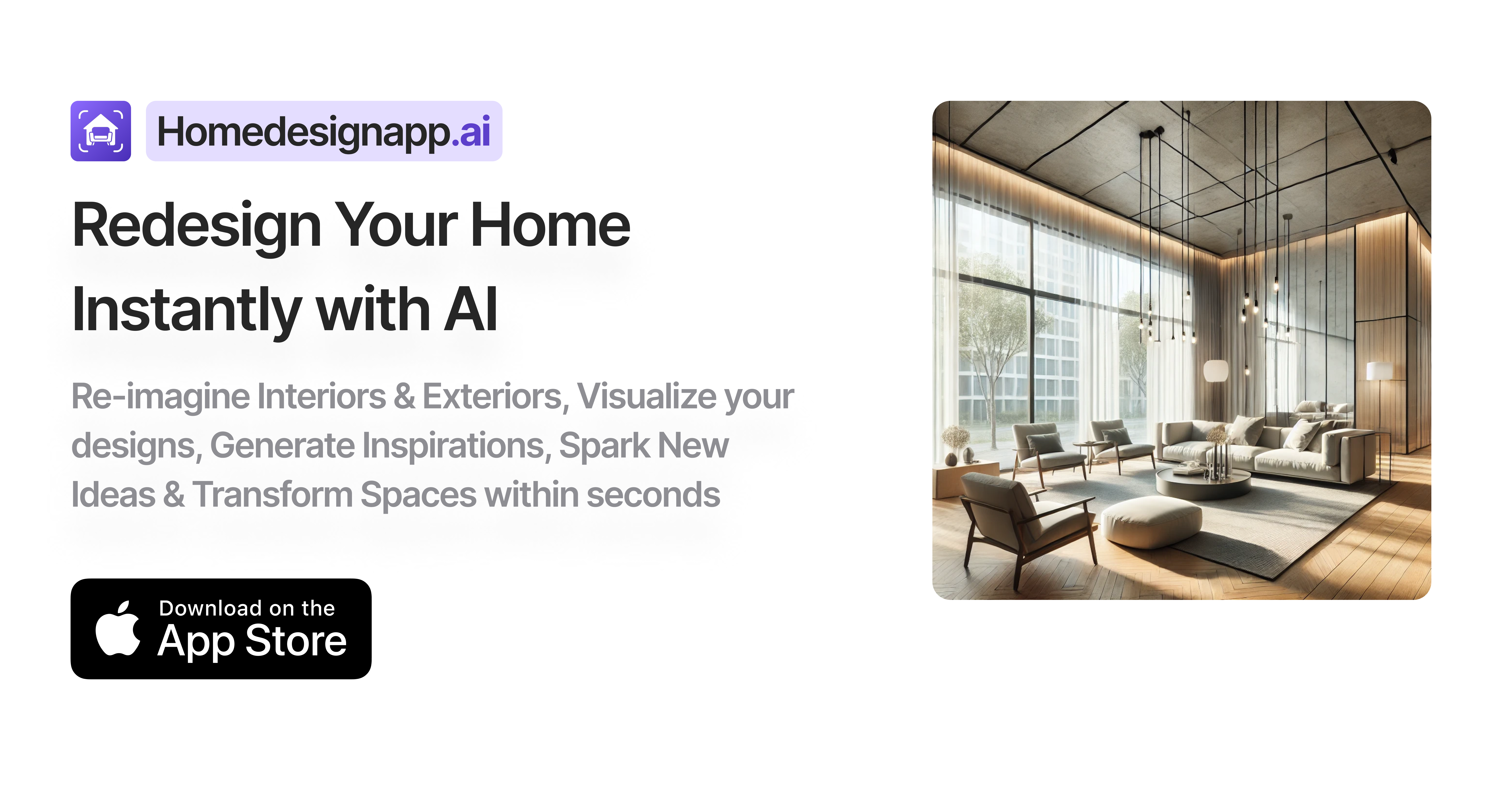
- Affordable pricing with a free tier: The entry point is unbeatable. You can sign up and try the tool without paying, and the Pro plan at $9.99/month is significantly cheaper than most competitors, which often start at $20/month or more. This makes it an attractive option for casual users or those on a tight budget who still want AI-powered design.
- User-friendly interface: The platform is designed for non-designers. The process is simple: upload a photo, choose a style, and wait for the AI to generate options. There's no learning curve, and the visual results are presented clearly. Even if you have zero design experience, you can navigate the tool within minutes.
- AI that handles real-time redesigns: The AI engine does a decent job of preserving the original room's structure while swapping furniture, wall colors, and decor. In tests, the generated images looked realistic, and you can iterate quickly to refine the design. The object removal feature is particularly handy for decluttering a space before visualizing a new look.
- Mobile app for on-the-go visualization: With the Pro plan, you get access to the mobile app, which is a bonus for users who want to visualize a space while shopping for furniture or during a site visit. The app syncs with your account, so you can access your projects anywhere. It's a convenience that some competitors lack.
- No design experience required: Home Design AI is intuitive enough that you don't need any background in interior design. The AI suggests styles and color palettes, and you can experiment freely. This democratizes the design process, making it accessible to anyone with a smartphone or computer.
⚠ Watch out for
- Limited free tier: The free version feels more like a teaser than a functional tool. You only get a handful of design credits, and many features, like high-resolution downloads and background removal, are locked. To get real value, you'll need to subscribe, which might be a turn-off for those who want to trial it more thoroughly.
- Mobile app requires Pro subscription: While having a mobile app is nice, it's frustrating that it's not available to free users. If you're someone who wants to quickly test the tool on the go before committing, you're out of luck. This creates a barrier to entry for mobile-first users.
- No collaboration or sharing features: If you're working on a design project with a partner, a friend, or a professional designer, you'll be disappointed. There's no way to invite others to view or edit a project, share links, or leave comments. You'll have to export images and share them manually, which is inefficient for group projects.
- Lack of integrations and API: Home Design AI is a closed ecosystem. It doesn't integrate with other home design platforms like SketchUp or Pinterest, and there's no API for developers. This means you can't import existing floor plans or export designs to other tools, limiting its utility in a professional workflow.
- Inconsistent AI output for complex scenes: While the AI handles simple room photos well, it can struggle with complex layouts, heavy clutter, or unusual angles. The generated designs may sometimes look distorted or unrealistic. This is a common issue with AI design tools, but it's worth noting that you may need multiple attempts to get a satisfying result.
🎯 Best for
Individual homeowners or renters who want a quick, AI-powered way to visualize interior design changes without investing in expensive software or hiring a professional.
🚫 Who should skip
Professional interior designers, architects, or teams needing collaborative design tools, custom templates, or integration with CAD software.
📚 Learning curve
Minimal — the AI guides users through selecting rooms and styles, making it intuitive even for non-designers.
🧑⚖️ Verdict
If you're a homeowner or renter on a budget who wants to visualize design changes without a steep learning curve, Home Design AI is a solid choice. It's affordable, easy to use, and the AI results are surprisingly good for basic redesigns. However, if you need collaboration tools, integrations, or p
💰 Pricing
🔧 Features
📋 Assessment
💪 Strengths
- The drag-and-drop block system is remarkably intuitive. With over 550 pre-designed blocks covering everything from headers and galleries to pricing tables and forms, you can assemble a page in minutes. Unlike template-locked builders, every block is customizable in terms of color, spacing, and typography, which empowers non-coders to produce unique, professional layouts.
- The 'Zero Block' feature is a standout for those who want pixel-perfect design. It allows you to place any element—text, images, buttons, or videos—anywhere on the canvas, giving you design freedom comparable to a tool like Figma, but within the context of a web page. This is a godsend for designers who need to create custom hero sections or interactive elements without touching CSS.
- Tilda handles multi-language content elegantly on paid plans. The platform lets you create separate language versions of the same site, with proper URL structures and a language switcher. This is a huge time-saver for businesses targeting global audiences, as you don't need third-party translation plugins or hacks.
- Performance is a priority: Tilda sites are cached globally, and pages typically score well on speed tests. The platform automatically generates WebP images and serves them in next-gen formats, ensuring your marketing pages load quickly—a crucial factor for conversion rates and SEO.
- The built-in blogging engine is more than an afterthought. You can create posts with the same block system, which means your blog posts can look as polished as your landing pages. This is rare among website builders, where blogging often feels clunky. Tilda also supports RSS and AMP for better distribution.
⚠ Watch out for
- There's no AI anywhere. While some users prefer manual control, the lack of AI-powered layout suggestions, content generation, or even AI-based image resizing (though it does auto-convert to WebP) puts it at a disadvantage against newer builders like Wix ADI or Framer AI. If you're looking to speed up the design process with smart assistance, Tilda won't offer that.
- The free plan is very limited: you get only one site with up to 50 pages, and you must keep Tilda branding. That's not enough to properly evaluate the platform for multiple projects, and the branding can't be removed unless you pay. Also, there's no way to test the e-commerce features on the free plan—they're only on the Business tier.
- No official mobile app or API. Managing your site on the go is impossible on mobile—you'll have to open a browser and zoom in. The lack of an API also limits integration with third-party tools like CRM systems, custom analytics, or automation platforms. For a tool marketed to businesses, this is a notable omission.
- The learning curve for the Zero Block is steeper than it looks. While the pre-built blocks are easy to use, going beyond them to create truly custom layouts requires a good eye for design and some patience in mastering the alignment and spacing controls. Beginners may struggle to get things 'pixel-perfect' without a lot of trial and error.
🎯 Best for
Best for individuals, freelancers, and small businesses who want a simple, no-code website builder with beautiful templates and multi-language support without relying on AI.
🚫 Who should skip
Developers needing API access, advanced automation, or AI-powered design tools, as well as large e-commerce stores requiring robust inventory and fulfillment features.
📚 Learning curve
Minimal - the drag-and-drop interface is straightforward, and new users can create a functional site within hours without prior design or coding experience.
🧑⚖️ Verdict
Tilda is an excellent choice for designers, marketers, and small business owners who want full control over their site's aesthetics and are comfortable with a manual approach. It offers a generous block library, strong multi-language capabilities, and reliable performance for a fair price. However,
📊 Use Case Suitability
Higher score = better fit. Scores from editorial review.
🧭 Which One Should You Pick?
Choose Home Design AI if...
- You are: Individual homeowners or renters who want a quick, AI-powered way to visualize interior design changes without investing
- 👍 Very affordable pricing with a free tier and a low-cost Pro plan at $9.99/month.
- 👍 Easy to use interface powered by AI, requiring no design experience.
- 👍 Mobile app included in Pro plan, allowing on-the-go design visualization.
- 💰 From $9.99/mo
- ⚠ Trade-off: Limited features in free tier; mobile app requires Pro subscription.
Choose Tilda if...
- You are: Best for individuals, freelancers, and small businesses who want a simple, no-code website builder with beautiful templa
- 👍 Intuitive drag-and-drop builder with no coding required, making it accessible to beginners.
- 👍 Extensive library of over 500 pre-designed blocks and templates for fast site creation.
- 👍 Multi-language support on paid plans, enabling global reach without extra plugins.
- 💰 From $15/mo
- ⚠ Trade-off: No AI-powered design or content generation, limiting automation for users seekin
❓ Frequently Asked Questions
Is there a free tier?
Yes, Home Design AI offers a free tier with limited designs. You can use the AI model and export formats, but for unlimited designs you need the Pro plan at $9.99/month.
What are the limitations of the free tier?
The free tier has limited designs, likely a cap on the number of projects or renders. Specific limits are not publicly stated.
Is there a free trial for the Pro plan?
Pricing details do not mention a free trial. The Pro plan is $9.99/month with no indication of a trial period.
🔗 More Ai Design Comparisons
🔀 Explore Alternatives
📧 Save this comparison
We'll email you a link to this comparison. No spam.