Leadfeeder vs Lindy
Side-by-side comparison — pricing, features, ratings, use cases. Find which Marketing fits you best.
💰 Pricing
🔧 Features
📋 Assessment
💪 Strengths
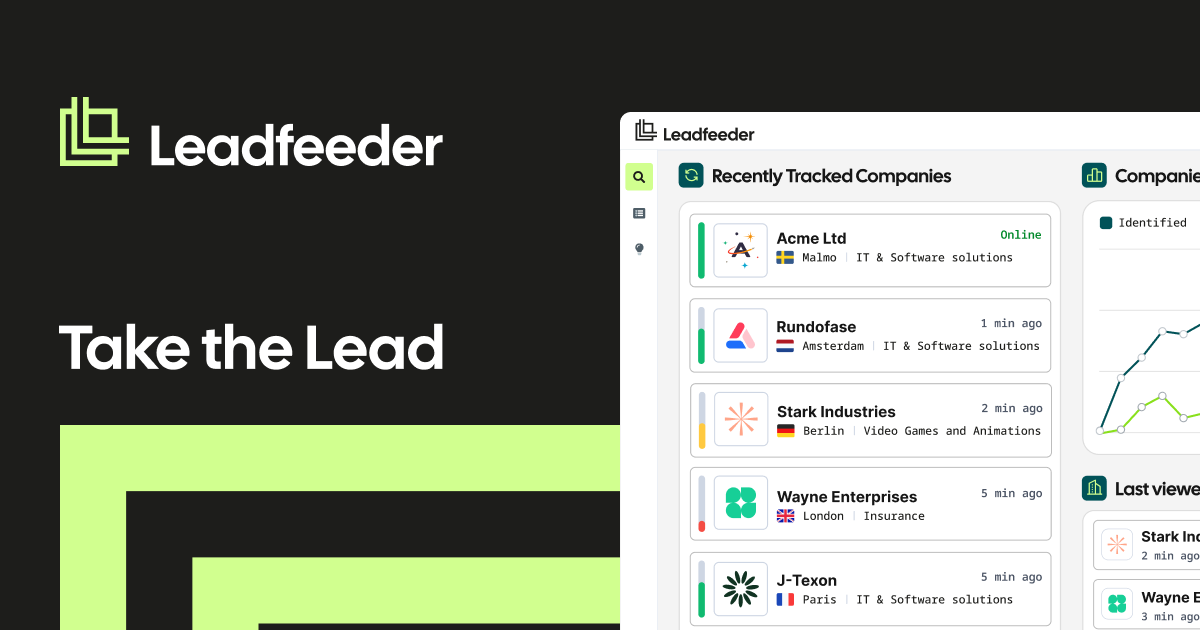
- The free plan is genuinely useful, allowing up to five users and one data source with 100 identified companies per month. This is a generous offer compared to many competitors who only provide time-limited trials. It enables SMBs to test the tool's value without upfront investment, making it a low-risk entry into visitor intelligence.
- Seamless integration with Google Analytics means no complex installation. Leadfeeder taps into your existing GA data to capably identify companies, their page views, and referral sources. This not only saves time but also provides context-rich data that helps sales reps understand which content resonates with prospects.
- CRM synchronization is a standout feature. Native integrations with HubSpot, Salesforce, and Pipedrive automatically create and update lead profiles, assign them to sales reps, and log activities. This eliminates manual data entry and ensures that sales teams are working with the most current information, directly impacting response times and productivity.
- The 'Lead Scoring' feature allows users to set custom parameters based on company demographics and visitor behavior. This is critical for prioritization, as it helps sales teams focus on high-fit, high-intent leads rather than wasting time on low-quality traffic. The feature is easy to configure and provides clear explanations for why a lead matches your criteria.
- Real-time visitor tracking provides immediate alerts when a qualified company visits your site. This enables sales teams to engage while the lead is still active, significantly increasing conversion chances. The alert system is customizable, so you can notify specific team members based on the lead's score or activity.
⚠ Watch out for
- Leadfeeder's data coverage is limited. It identifies companies based on reverse IP lookup, which may miss visitors from smaller businesses or those using shared IPs. This can result in incomplete data, particularly for companies with less stable infrastructure. The tool itself acknowledges that it cannot identify a significant portion of traffic, which may be frustrating for users expecting complete visibility.
- The pricing model can become expensive as your needs grow. The free plan is limited, but the paid plans start at a substantial monthly cost and increase significantly with higher visitor limits and premium features like sales intent data. For businesses with high traffic volume, the cost can balloon quickly, and the value-per-lead might not justify the expense compared to alternative solutions.
- Lack of advanced predictive analytics. Unlike some competitors, Leadfeeder does not offer AI-driven forecasting or predictive lead scoring based on historical patterns. It relies on preset rules and real-time data, which is fine for basic prioritization but may miss deeper insights that could improve sales strategies.
- The implementation of custom filters and segmentation can be complex for non-technical users. While the interface is generally intuitive, setting up advanced filters for multiple conditions or creating custom scoring models can be cumbersome, requiring a learning period to fully leverage the tool's capabilities.
- Customer support is limited to email and a knowledge base on the free plan, with live chat reserved for higher-tier subscribers. Response times can be slow, especially for free users, which may be a concern if you encounter issues that need immediate resolution.
🎯 Best for
B2B SMBs, sales teams, and marketing agencies that want to turn anonymous website traffic into identifiable companies and pipeline-ready leads without paying a large upfront cost.
🚫 Who should skip
Consumer-facing companies, businesses that need individual visitor identity or contact details, and teams that rely on comprehensive mobile or privacy-filtered traffic tracking.
📚 Learning curve
Minimal. If you can copy a script tag and read a basic dashboard, you'll be productive within a few hours; the only real learning curve is understanding which visitors are and aren't being captured by IP-based tracking.
🧑⚖️ Verdict
Leadfeeder is a solid entry-level visitor identification tool for SMBs and agencies that want to convert anonymous traffic into leads without the high cost of enterprise platforms. It’s best for those with Google Analytics and a CRM, and it offers a generous free plan to test its value. If you need

💰 Pricing
🔧 Features
📋 Assessment
💪 Strengths
- Deep Slack integration means Lindy lives where work happens. You don't need to switch apps; you just mention Lindy in a channel or DM. This reduces the learning curve and encourages adoption, as it's a natural extension of your existing workflow.
- Connects to a wide range of tools via APIs, including Google Workspace, Salesforce, Notion, and Slack itself. This means you can query data from multiple sources in one conversation, which is a real timesaver for teams that juggle several platforms.
- Natural language workflow creation lets you build automations without coding. For example, you can tell Lindy to 'summarize new leads in #sales and post a weekly digest.' This empowers non-technical team members to automate tasks that would otherwise require IT or developer help.
- The free tier is generous enough for small teams to test the waters. You can get a feel for the AI's capabilities before committing, which reduces the risk of purchasing something that doesn't fit your needs.
⚠ Watch out for
- Configuration quality heavily impacts performance. If your data is messy or your tools aren't properly connected, Lindy will give inaccurate answers or fail to complete actions. This requires an initial investment of time to map out what you want the AI to do.
- Limited customization for complex workflows. While natural language is great for simple tasks, power users may find it frustrating when trying to build multi-step automations with conditional logic. You'll likely need to fall back on scripting or another tool like Zapier.
- Dependence on Slack means that if your team isn't Slack-native, Lindy's value drops significantly. It doesn't offer a standalone interface, so teams using Microsoft Teams or other chat platforms will miss out.
- As an AI, it can still hallucinate or misunderstand context. Even with a good setup, you need to verify its responses for critical tasks. The vendor acknowledges this but doesn't provide a full audit trail, which may concern compliance-sensitive teams.
🎯 Best for
Small to mid-sized marketing teams that already use Slack and want an AI assistant to answer internal questions, automate repetitive tasks, and quickly pull data from tools like Salesforce and Notion.
🚫 Who should skip
Teams that need a full marketing automation platform with campaign execution, advanced analytics, or creative design capabilities, and teams that are not comfortable granting an AI agent access to their business tools.
📚 Learning curve
Moderate — basic Q&A is easy, but setting up reliable multi-step automations and integrating all your tools takes time and some technical thinking.
🧑⚖️ Verdict
Buy Lindy if your team lives in Slack and wants to cut down on context-switching and repetitive questions. It's a solid choice for SMBs that need a user-friendly AI assistant. Look elsewhere if you need complex automation or are heavily invested in Microsoft Teams. Bottom line: Lindy is a practical,
📊 Use Case Suitability
Higher score = better fit. Scores from editorial review.
🧭 Which One Should You Pick?
Choose Leadfeeder if...
- You are: B2B SMBs, sales teams, and marketing agencies that want to turn anonymous website traffic into identifiable companies an
- 👍 Free plan includes up to five users, making it accessible for small SMBs and agencies testing visito
- 👍 Direct Google Analytics and CRM integrations automate the flow of visitor data into sales tools with
- 👍 Visitor scoring by fit and intent helps sales reps prioritize high-value accounts instead of chasing
- 💰 From $79/mo
- ⚠ Trade-off: Identifies companies, not individuals, so you only get the account name rather t
Choose Lindy if...
- You are: Small to mid-sized marketing teams that already use Slack and want an AI assistant to answer internal questions, automat
- 👍 Lives inside Slack, so teams can get answers and run automations without leaving their messaging wor
- 👍 Connects to common marketing tools like Google Workspace, Salesforce, and Notion, making it easy to
- 👍 Can execute multi-step automations, not just chat, which reduces manual data entry and repetitive fo
- 💰 From $10/mo
- ⚠ Trade-off: Free plan has usage limits and AI credits, so heavy use will likely require a pa
❓ Frequently Asked Questions
Is Leadfeeder really free?
Yes, there is a permanent free plan for up to five users and basic visitor identification. Paid plans unlock more websites, custom filters, deeper history, and more advanced integrations.
Does Leadfeeder identify individual people visiting my site?
No. Leadfeeder identifies companies by IP address and enriches them with firmographic data. It does not show you individual visitor names or email addresses unless you pair it with a contact enrichment tool or external CRM data.
Which CRM and marketing tools does Leadfeeder integrate with?
Leadfeeder integrates with major CRMs like Salesforce, HubSpot, Pipedrive, and Zoho, plus Google Analytics and Slack. These integrations let you sync identified companies and their activity directly into your sales pipeline.
How accurate is Leadfeeder's visitor identification?
Identification accuracy is strong for company IP addresses in North America and Europe, but it misses visitors using mobile networks, VPNs, or privacy-focused browsers. You'll see a meaningful portion of anonymous B2B traffic, not every visit.
🔗 More Marketing Comparisons
🔀 Explore Alternatives
📧 Save this comparison
We'll email you a link to this comparison. No spam.