Copilot Money
Copilot Money is a premium budgeting app exclusively for iOS and macOS, designed for Apple users who want a beautiful, intelligent way to track personal finances. It offers automated transaction categ…
💬 Verdict
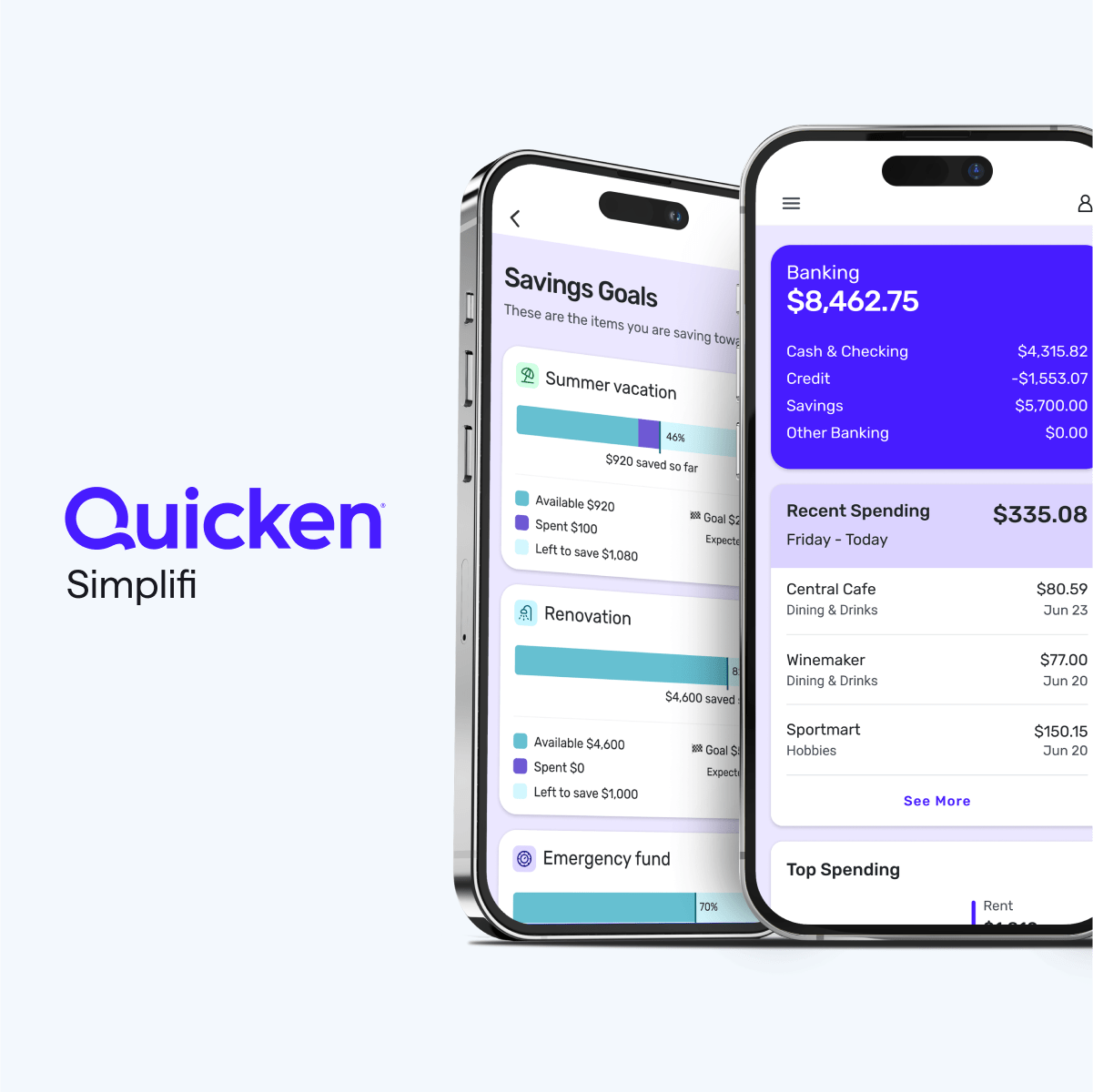
Copilot Money is an excellent choice for Apple users who value a beautifully designed, intelligent budgeting app and are willing to pay for the premium experience. It's particularly strong for tracking subscriptions and investments. However, if you need cross-platform access or prefer a free tool, look elsewhere—consider Monarch Money for web access or Simplifi for a more affordable alternative. Bottom line: Copilot is the best-in-class budgeting app for iOS devotees, but it's not for everyone.
Copilot
Plans start at $13/month
📊 Pros & Cons
Pros
- 👍 Beautiful, intuitive user interface that makes managing money enjoyable, not a chore.
- 👍 Smart transaction categorization that learns from your history and requires minimal manual adjustments.
- 👍 Recurring transaction detection automatically identifies subscriptions and bills, helping you catch unwanted charges.
- 👍 Investment tracking and net worth calculation included, so you can see all your accounts in one place.
- 👍 Fast and reliable bank syncing through Plaid and Yodlee, supporting most major US financial institutions.
Cons
- 👎 Exclusively available on iOS and Mac, with no Android, Windows, or web app support.
- 👎 Relatively expensive at $13/month or $95/year compared to free alternatives like Mint (now shut down) or bank-provided tools.
- 👎 No free plan—you must subscribe after a short trial, and there is no one-time purchase option.
- 👎 Some users report occasional sync delays or connection issues with certain banks, especially smaller credit unions.
- 👎 Limited budgeting flexibility for users who want a structured envelope system or zero-based budgeting approach.
🎯 Use Cases
Copilot automatically pulls in transactions, categorizes them with high accuracy, and provides a clean interface to see where your money goes.
It supports tracking investments, including performance, cash flows, and net worth, giving a comprehensive view of your financial picture beyond just cash flow.
Copilot's recurring transaction detection automatically identifies subscriptions like Netflix, Spotify, and gym memberships, making it easy to review and cancel unwanted ones.
With built-in partner sharing, both people can collaborate on the same budget and transactions, though it's only available on Apple devices.
Copilot is designed more as an automatic tracker than a manual planning tool. It lacks some advanced envelope-style budgeting features that tools like YNAB excel at.
🔍 Deep Dive
No hidden fees beyond the $13/month or $95/year subscription price, but note that the annual plan is a single upfront payment and there is no free tier. Some users may also eventually need paid upgrades for additional features, though none exist at the moment.
Minimal. The app is well-designed and easy to navigate, though you'll need a few minutes to connect accounts and set up budgets.
Android or Windows users, people who need a free budgeting app, and those who prefer a more manual, discipline-focused budgeting system like YNAB should skip Copilot.
❓ Frequently Asked Questions
Does Copilot work on Android or Windows?
No. Copilot is exclusively for iOS and Mac. There is no Android app, web app, or Windows version currently available.
How does Copilot sync with my bank accounts?
Copilot uses Plaid and Yodlee to securely connect to thousands of financial institutions. You can link checking, savings, credit cards, loans, and investment accounts for automatic transaction syncing.
Is Copilot worth the subscription price?
It depends on your needs. At $13/month or $95/year, it's pricier than many budgeting apps, but it offers an exceptionally polished UI, smart categorization, and investment tracking that many users find worth the cost.
Can I track investments and net worth with Copilot?
Yes. Copilot supports investment account tracking, including portfolio performance, dividends, and contributions, and it automatically calculates your net worth across all linked accounts.
Does Copilot have a free trial?
Yes, Copilot typically offers a free trial period (often 1 month). After the trial, you must subscribe to continue using the app.
Can I share a budget with my partner?
Yes. Copilot allows you to invite a partner or spouse to share a budget, with both users able to view and manage the same accounts and categories.
How does Copilot handle transaction categorization?
Copilot uses machine learning to automatically categorize transactions with high accuracy. It also learns from your manual corrections over time to get smarter with you.
What happens if my bank isn't supported?
If your bank doesn't sync with Copilot, you may need to manually add transactions or use one of its supported aggregators. Most major US banks and credit unions are supported, but some smaller institutions may have issues.




.png)

.png)