EveryDollar vs Simplifi by Quicken
Side-by-side comparison — pricing, features, ratings, use cases. Find which Budgeting Apps fits you best.
💰 Pricing
- Premium annual plan is $79.99/year (equates to about $6.67/month), while monthly billing is $17.99/month
- Family annual plan is $143.88/year (equates to about $11.99/month), while monthly billing is $25.99/month
- No setup fees or bank sync charges beyond subscription
- No hidden fees for bank sync, but bank syncing may not work with all banks
- Cancellation policy: annual plans are non-refundable after 30 days
- Prices are for US only; international users may not have bank sync available
🔧 Features
📋 Assessment
💪 Strengths
- Generous free tier: You get full zero-based budgeting and debt snowball tools without a credit card or subscription. This is rare among budgeting apps — YNAB offers a 34-day trial, but you must pay afterward.
- Debt snowball tool effectively gamifies debt payoff. It organizes your debts from smallest to largest and shows a visual 'snowball' effect as you pay them off, keeping motivation high.
- Integrated with Ramsey's Baby Steps, giving you a step-by-step financial plan beyond just tracking spending. This provides a long-term context that apps like Mint lack.
- Simple, clean interface that's easy to navigate, especially for novices. Budget creation is intuitive, and the mobile app is well-designed.
- Cross-platform sync: Budgets update in real-time across web and mobile, so you can enter a transaction on your phone and see it immediately on your computer.
⚠ Watch out for
- Manual entry is required on the free tier — there's no bank sync, so you must enter every transaction yourself. This is time-consuming and can lead to sync errors if not done daily.
- Bank sync is US-only. If you're outside the US, you can't use the Premium sync feature at all, and the app has no support for foreign currencies.
- No investment or net worth tracking. You can't link brokerage accounts or monitor retirement savings, so the app doesn't give you a complete financial picture.
- Premium costs $79.99/year, which is steep for just bank sync and a few convenience features. Many users feel it's not worth the price, especially since the free tier already covers the core features.
- The app lacks detailed reporting and analytics. You can't run custom reports or analyze spending trends over time, which power users might miss.
🎯 Best for
Dave Ramsey followers in the US who want a simple, zero-based budgeting and debt snowball tool and don't mind manual entry or paying for bank sync.
🚫 Who should skip
International users, people who want automatic bank feeds for free, and anyone needing comprehensive investment or net worth tracking.
📚 Learning curve
Minimal — if you understand zero-based budgeting, the app is straightforward; the main effort is manual entry discipline.
🧑⚖️ Verdict
EveryDollar is a solid choice for Dave Ramsey fans and anyone committed to a zero-based budgeting lifestyle with a focus on debt payoff — the free tier alone makes it worth trying. However, if you need automated bank feeds (outside the US), investment tracking, or a more flexible, non-philosophy-dri
💰 Pricing
- Annual plan: $47.88/year (effectively $3.99/month), billed upfront.
- Monthly plan: $5.99/month.
- No additional fees for bank synchronization or transaction import.
- 30-day free trial with no credit card required.
- Automatic renewal at full annual rate after trial period ends.
- Price may increase with prior notice; no price lock for existing subscribers.
🔧 Features
📋 Assessment
💪 Strengths
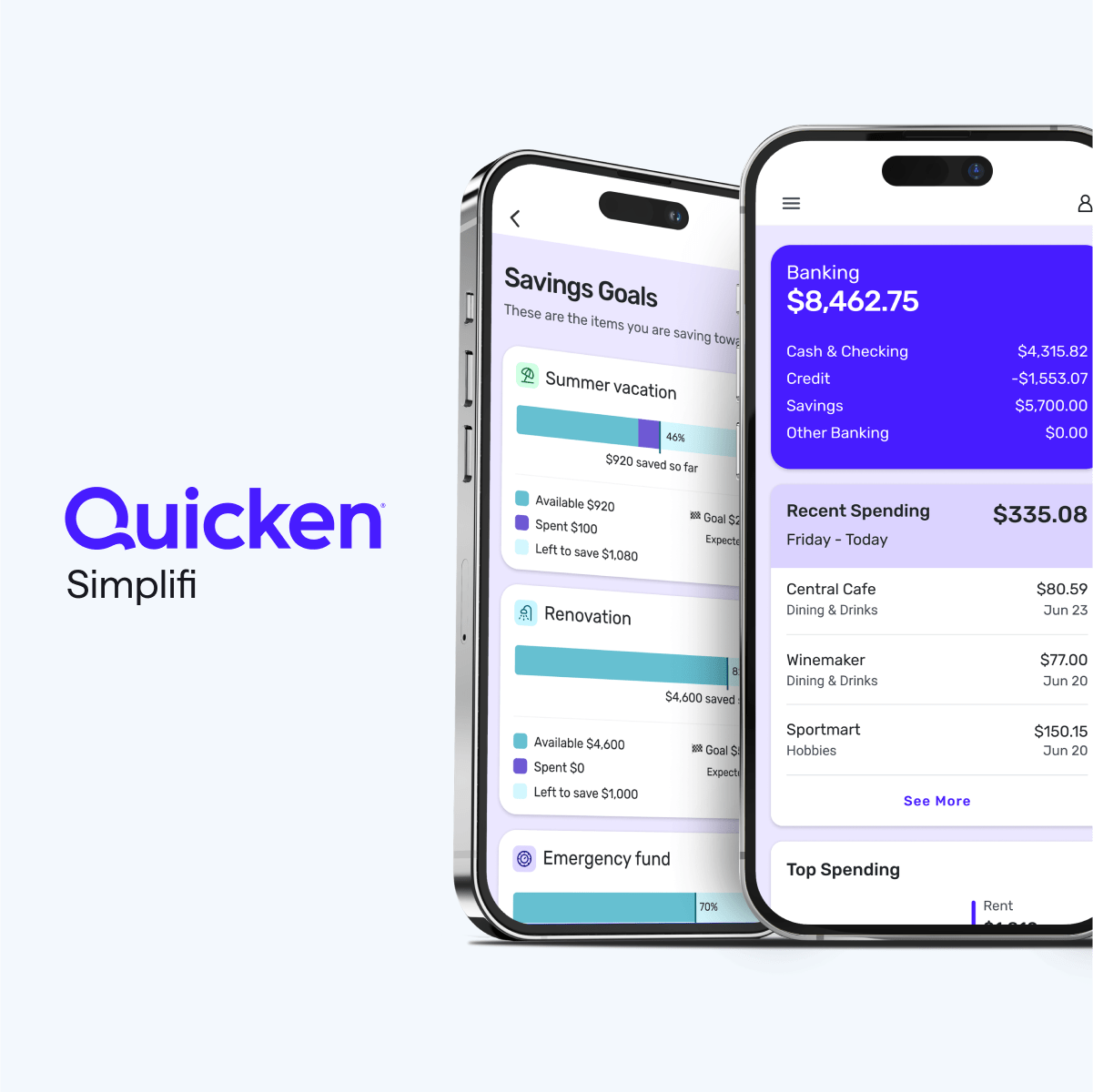
- The interface is wonderfully clean and uncluttered. Unlike classic Quicken, which can feel like a spreadsheet, Simplifi uses cards and simple lists to show you your financial picture. For example, the 'Spending Plan' shows your income minus planned bills and spending, and updates in real time as transactions come in. This makes it perfect for people who find traditional budgeting overwhelming.
- The cash flow forecast is a killer feature. It takes your upcoming bills, income, and spending habits to project your account balance day-by-day. You can see if you'll be at risk of overdrawing in two weeks or if you'll have extra cash for a splurge. This proactive insight is something few competitors offer at this price point.
- The 'Watchlist' feature lets you tag specific merchants or spending categories (like 'Starbucks' or 'Dining Out') and see how much you're spending on them each month. It's a great way to keep an eye on problematic spending without having to build a complex budget.
- Subscription monitoring is built in. Simplifi identifies recurring subscriptions (like Netflix, gym memberships, etc.) and lists them in one place. It even flags price increases or duplicate charges, which is a practical way to trim monthly expenses.
- Bank sync is generally reliable, with support for thousands of financial institutions. It also allows manual account additions, so you can track cash or accounts that don't link. The 'Pending' transaction handling is smooth, and it lets you easily split transactions (like a grocery store shopping trip that includes household items and personal items).
⚠ Watch out for
- Investment tracking is basic. You see holdings and market values, but there's no capital gains calculator, no tax-loss harvesting tool, and no in-depth performance analysis. For example, you can't see your asset allocation across accounts or drill into a specific lot's cost basis. If you're an active investor, you'll need another tool.
- No true multi-user support. The only way for couples to share is to log in with the same credentials. This is not user-friendly and can lead to sync issues if both partners are entering transactions simultaneously. You also can't set up separate roles with different permissions.
- International support is weak. The app focuses on US financial institutions and USD. If you have a foreign bank account or deal with multiple currencies, you'll be disappointed. The sync may fail, and you'll have to manually update transactions.
- The Spending Plan can be too flexible for some. Unlike envelope budgeting, it doesn't enforce hard limits. If you constantly overspend in a category, it just adjusts your plan without much friction. This is great for some, but for people who need discipline, it might not be restrictive enough.
- Customer support is average. You get email and chat support, but there's no phone line. Response times can be slow during peak seasons, and the knowledge base is thin on troubleshooting. Some users have reported that support staff lack deep technical knowledge.
🎯 Best for
Individuals or couples who want a low-effort, flexible way to track spending, monitor cash flow, and see simple investment balances without overcomplicating budgeting.
🚫 Who should skip
Investors who need portfolio-level analytics or people who prefer a hard zero-sum budgeting method like YNAB might find Simplifi too shallow.
📚 Learning curve
Minimal — most users can link accounts and set up a Spending Plan in under 30 minutes.
🧑⚖️ Verdict
Simplifi is a strong choice for budgeting beginners and those who want a simple, intuitive way to track spending and project cash flow. It's not ideal for advanced investors or couples needing true multi-user access. Bottom line: If you want a modern, flexible budgeting app with great cash flow fore
📊 Use Case Suitability
Higher score = better fit. Scores from editorial review.
🧭 Which One Should You Pick?
Choose EveryDollar if...
- You are: Dave Ramsey followers in the US who want a simple, zero-based budgeting and debt snowball tool and don't mind manual ent
- 👍 Free tier includes full zero-based budgeting and debt snowball tools without needing a paid plan.
- 👍 Closely integrated with Dave Ramsey's Baby Steps, so you get a structured, motivational approach to
- 👍 Simple, clean interface that makes it easy to create budget categories and track expenses manually.
- 💰 Free tier available
- ⚠ Trade-off: Bank sync and automatic transaction import require a paid Premium subscription,
Choose Simplifi by Quicken if...
- You are: Individuals or couples who want a low-effort, flexible way to track spending, monitor cash flow, and see simple investme
- 👍 Simple and intuitive user interface that is far less cluttered than classic Quicken, making it easy
- 👍 Spending Plan is flexible and forgiving—it doesn't lock you into strict envelope budgets; it adjusts
- 👍 Cash flow projection is a standout feature, showing your expected account balance at any future date
- 💰 From $3.99/mo
- ⚠ Trade-off: Limited investment tools—no in-depth tax planning, cost basis analysis, or advan
❓ Frequently Asked Questions
Is EveryDollar really free?
Yes, EveryDollar has a free plan that lets you build a zero-based budget manually. You'll need a paid Premium subscription to connect your bank accounts and import transactions automatically.
What is the difference between EveryDollar and Ramsey+?
EveryDollar is the budgeting app. Ramsey+ is a broader subscription that includes EveryDollar Premium plus financial courses and other Ramsey content. You can buy EveryDollar Premium separately.
🔗 More Budgeting Apps Comparisons
🔀 Explore Alternatives
📧 Save this comparison
We'll email you a link to this comparison. No spam.